
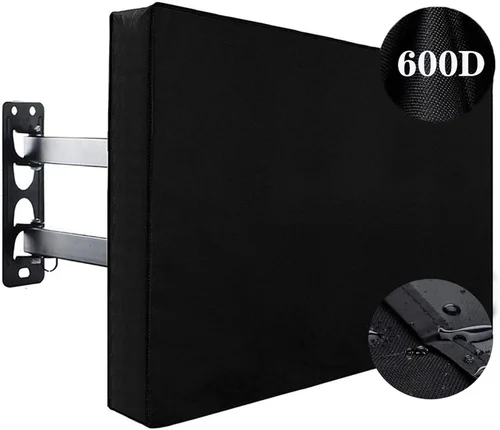
When it comes to enjoying outdoor entertainment in cold climates, most standard televisions simply won’t cut it. Whether you’re planning to install a TV on a covered porch in Minnesota, mount one in a heated garage in Colorado, or enjoy movie nights under the stars in a snowy backyard in Vermont, exposure to freezing temperatures, moisture, and temperature fluctuations can quickly damage an indoor TV. That’s where weatherproof TVs come in—specially engineered to withstand the harsh realities of cold-weather environments without compromising picture quality or longevity.
This comprehensive buying guide is designed for homeowners, outdoor entertainment enthusiasts, and anyone considering an investment in a television that can truly thrive in winter conditions. We’ll walk you through every critical factor you need to evaluate before making a purchase, from temperature tolerance and build materials to smart features and long-term durability. By the end of this guide, you’ll not only understand what makes a TV truly weatherproof but also how to choose the right model for your specific climate, space, and budget. The market for outdoor and cold-weather TVs has evolved significantly in recent years, with manufacturers now offering a range of options from budget-friendly enclosures to fully integrated, all-weather displays. Whether you’re looking for a simple solution for a screened-in patio or a high-performance 4K display for a heated outdoor living room, this guide will help you navigate the options with confidence.
What to Look for When Buying a Weatherproof TV for Cold Weather
1. Operating Temperature Range
One of the most critical factors when selecting a weatherproof TV for cold climates is its operating temperature range. Unlike indoor TVs, which are typically rated for use between 50°F and 95°F (10°C to 35°C), outdoor and weatherproof models are engineered to function reliably in much broader—and often sub-zero—conditions. Look for TVs that specify an operating range extending down to at least -22°F (-30°C). This ensures the internal components, including the LCD panel, backlight, and circuitry, remain functional even during prolonged exposure to freezing temperatures.
Why does this matter? LCD and OLED screens rely on liquid crystals that can become sluggish or even freeze when temperatures drop too low. If the liquid crystals freeze, the screen may fail to respond, display artifacts, or suffer permanent damage. Additionally, extreme cold can cause condensation when the TV is powered on, leading to short circuits or corrosion over time. A properly rated cold-weather TV includes internal heating elements or thermal management systems that gently warm the display to safe operating levels when needed. These systems activate automatically, ensuring the screen warms up gradually to prevent thermal shock.
When comparing models, pay close attention to whether the manufacturer specifies “operating” versus “storage” temperature ranges. Storage range refers to how cold the TV can get while powered off and still be safe to turn on later. Operating range is what matters for actual use. For example, a TV might be safe to store at -40°F but only operate reliably down to -22°F. Always prioritize the operating range for your decision-making.
2. Build Quality & Durability
Weatherproof TVs must endure more than just cold—they’re also exposed to wind, snow, ice, humidity, and UV radiation. As such, build quality is paramount. Look for TVs constructed with corrosion-resistant materials such as powder-coated aluminum or marine-grade stainless steel. These materials resist rust and degradation, even in salty or high-moisture environments like coastal areas or snowy regions where road salt is used.
The enclosure should be fully sealed to prevent moisture ingress. A high IP (Ingress Protection) rating is essential—ideally IP55 or higher. IP55 means the TV is protected against dust and low-pressure water jets from any direction, making it suitable for most outdoor installations. Some premium models offer IP65 or IP66 ratings, providing even greater protection against dust and powerful water jets.
Pay attention to the design of vents, ports, and mounting hardware. Even small gaps can allow moisture to seep in over time. High-quality weatherproof TVs often feature sealed cable entry points, silicone gaskets, and internal drainage systems to channel condensation away from sensitive electronics. Additionally, the screen itself should be protected by a durable, anti-reflective glass or polycarbonate layer that resists scratching and fogging in cold, humid conditions.
Durability also extends to the internal components. Cold-weather TVs often use industrial-grade capacitors, reinforced circuit boards, and temperature-resistant adhesives to ensure long-term reliability. These components are less likely to fail under thermal stress, which is crucial for maintaining performance over multiple seasons.
3. Display Technology & Brightness
Not all display technologies perform equally well in cold weather. While OLED screens offer superior contrast and color accuracy, they can be more susceptible to image retention and slower response times in extreme cold. LCD panels, especially those with LED backlighting, tend to be more resilient in low temperatures, making them the preferred choice for outdoor and cold-weather applications.
Brightness is another critical factor. Outdoor environments—even in winter—can be surprisingly bright due to snow reflection, which can amplify ambient light by up to 80%. To combat glare and maintain visibility, look for a TV with a peak brightness of at least 700 nits, with 1000 nits or higher being ideal for snowy or sunny locations. High-brightness displays use advanced backlighting systems, such as full-array local dimming (FALD), to deliver vivid images even in direct sunlight.
Anti-reflective coatings are also essential. These coatings reduce glare from snow, ice, and winter sun, ensuring the screen remains readable. Some models include additional features like automatic brightness adjustment, which uses ambient light sensors to optimize screen luminance based on current conditions.
Resolution matters too. While 4K UHD is standard for most modern TVs, ensure the model you choose supports HDR (High Dynamic Range) for enhanced contrast and color depth. HDR10, HLG, and Dolby Vision are common formats that improve the viewing experience, especially in high-contrast outdoor lighting.
4. Heating & Cooling Systems
One of the defining features of a true cold-weather TV is its integrated thermal management system. These systems typically include internal heaters that activate when temperatures drop below a certain threshold, warming the display and internal components to safe operating levels. This prevents the screen from freezing and reduces the risk of condensation when the TV is powered on after being in the cold.
Heaters are usually thermostatically controlled, meaning they only activate when needed and shut off once the optimal temperature is reached. This ensures energy efficiency and prevents overheating. Some advanced models also include cooling fans or passive ventilation to manage heat buildup during warmer months or when the TV is under heavy load.
When evaluating thermal systems, consider the power consumption of the heating elements. While necessary, they can increase energy usage, especially during prolonged cold snaps. Look for models with energy-efficient heaters or those that allow you to disable heating when not needed (e.g., during summer months).
Additionally, check whether the TV includes a “cold start” feature. This allows the TV to power on and function immediately, even in sub-zero conditions, by pre-warming the display before the image appears. Without this feature, you may experience delays or temporary screen issues when turning on the TV in cold weather.
5. Smart Features & Connectivity
Just because a TV is built for the outdoors doesn’t mean it should lack modern conveniences. Most weatherproof TVs now come equipped with smart platforms like Android TV, webOS, or Roku, allowing you to stream content from Netflix, YouTube, Hulu, and other services directly. This eliminates the need for external streaming devices and simplifies setup.
Ensure the TV has sufficient connectivity options, including HDMI ports (preferably HDMI 2.0 or 2.1 for 4K content), USB ports, and Ethernet for wired internet. Wi-Fi 5 or Wi-Fi 6 support is also important for reliable streaming, especially if your outdoor installation is far from your router. Some models include built-in Bluetooth for connecting wireless speakers or headphones.
Voice control is another useful feature. Integration with Google Assistant or Amazon Alexa allows you to change channels, adjust volume, or search for content using voice commands—ideal when your hands are cold or full.
Consider the user interface and remote control as well. The remote should be weather-resistant or come with a protective cover. Some manufacturers offer smartphone apps that let you control the TV from your device, which can be more convenient in cold weather.
6. Mounting & Installation Flexibility
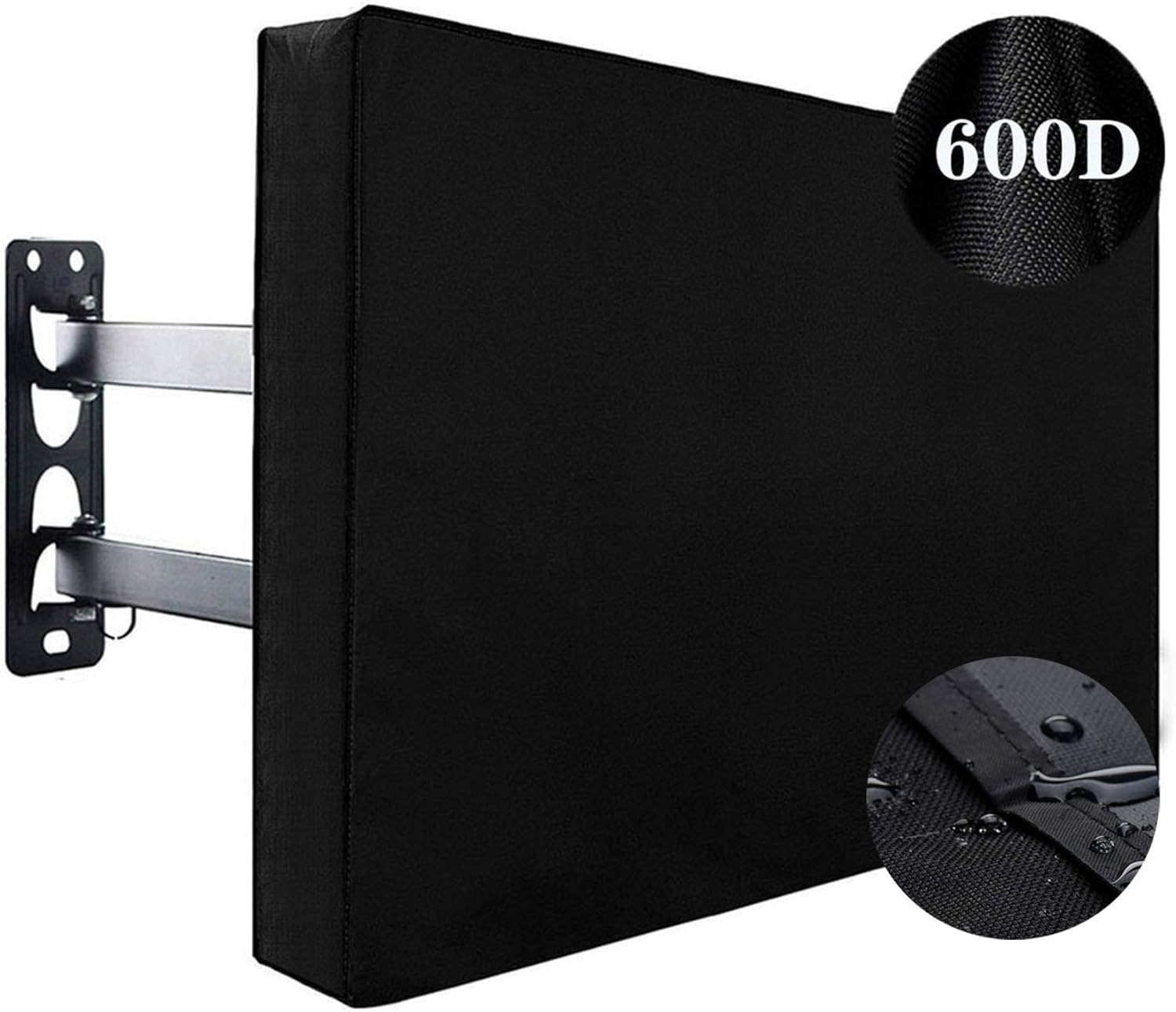
Proper mounting is essential for both performance and longevity. Weatherproof TVs are typically heavier than indoor models due to their reinforced enclosures and internal components, so you’ll need a sturdy, weather-rated mount. Look for mounts specifically designed for outdoor use, with corrosion-resistant hardware and tilt/swivel capabilities for optimal viewing angles.
Consider the installation environment. Will the TV be mounted under a covered patio, in a fully exposed area, or inside a weatherproof enclosure? If you’re using an enclosure, ensure it’s compatible with your TV’s dimensions and ventilation requirements. Some enclosures include built-in heaters and fans, providing an extra layer of protection.
Cable management is another important consideration. Use weatherproof conduit or cable glands to protect wires from moisture and UV damage. All connections should be sealed with silicone or specialized outdoor-rated tape.
If you’re installing the TV yourself, check whether the manufacturer provides detailed installation guides or offers professional installation services. Improper mounting can void the warranty and compromise the TV’s weather resistance.
7. Brand Reputation & Reliability
Not all brands are created equal when it comes to outdoor and cold-weather TVs. Stick with manufacturers known for their expertise in rugged electronics, such as SunBriteTV, Samsung (with their Terrace series), LG, and Seura. These companies invest heavily in research and development to ensure their products meet the demands of extreme environments.
Research customer reviews and professional evaluations from users in similar climates. Look for feedback on long-term durability, customer service responsiveness, and real-world performance in cold weather. Brands with a strong track record in outdoor displays are more likely to stand behind their products with reliable warranties and support.
Avoid generic or off-brand models that claim to be “weatherproof” but lack certifications or detailed specifications. These products may use substandard materials or fail to deliver on their promises, leading to costly replacements.
8. Warranty & Support
A robust warranty is a strong indicator of a manufacturer’s confidence in their product. Most reputable weatherproof TVs come with a 2- to 3-year limited warranty that covers defects in materials and workmanship. Some premium models offer extended warranties or optional service plans.
Check what the warranty includes. Does it cover damage from condensation, freezing, or power surges? Are on-site repairs available, or do you need to ship the unit back? Look for brands that provide local service centers or partnerships with installation professionals.
Customer support is equally important. Ensure the manufacturer offers responsive technical support via phone, email, or live chat. A detailed FAQ section, user manuals, and video tutorials can also help troubleshoot common issues.
Different Types of Weatherproof TVs

Common Buying Mistakes to Avoid
❌ Mistake: Assuming All “Outdoor” TVs Are Created Equal
Why it’s bad: Many consumers mistakenly believe that any TV labeled “outdoor” will perform well in cold weather. However, some models are only designed for mild climates or covered areas and lack the necessary thermal management for sub-zero conditions.
What to do instead: Always check the operating temperature range and look for features like internal heaters and IP ratings. Verify the TV is specifically rated for cold-weather use, not just general outdoor exposure.
❌ Mistake: Skimping on the Mounting Hardware
Why it’s bad: Using indoor mounts or low-quality hardware can lead to corrosion, instability, and even TV failure in windy or snowy conditions.
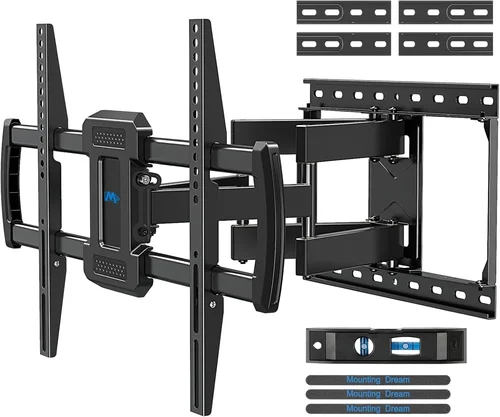
What to do instead: Invest in a weather-rated, heavy-duty mount with stainless steel hardware. Ensure it’s compatible with your TV’s VESA pattern and weight.
❌ Mistake: Ignoring Condensation Risks
Why it’s bad: Turning on a cold TV without proper warming can cause condensation to form inside the screen, leading to permanent damage.
What to do instead: Choose a TV with a cold-start feature or allow the unit to acclimate indoors for several hours before first use in extreme cold.
❌ Mistake: Overlooking Power Requirements
Why it’s bad: Heated TVs and enclosures consume more power, which can strain electrical systems or increase energy bills.
What to do instead: Check the power consumption specs and ensure your outdoor electrical setup can handle the load. Consider using a dedicated circuit or smart plug with scheduling.
❌ Mistake: Buying Based on Price Alone
Why it’s bad: Cheaper models may use inferior materials or lack essential cold-weather features, leading to premature failure.
What to do instead: Prioritize value over price. Look for models that balance cost with durability, features, and warranty coverage.
❌ Mistake: Neglecting Local Climate Conditions
Why it’s bad: A TV suitable for a mild winter in Oregon may fail in the harsh cold of North Dakota.
What to do instead: Research average winter temperatures in your area and choose a TV with a safety margin below the lowest expected temperature.
Budget Guidelines: How Much Should You Spend?
Entry-Level ($800 – $1,500): This range typically includes indoor TVs paired with basic weatherproof enclosures. While cost-effective, these setups may lack advanced thermal management and long-term durability. Best for mild climates or temporary use.
Mid-Range ($1,500 – $3,000): The sweet spot for most buyers. These models often feature fully integrated weatherproofing, internal heaters, and smart capabilities. Ideal for permanent outdoor installations in moderate to cold climates.
Premium ($3,000 – $5,000): Designed for enthusiasts and professionals, these TVs offer top-tier brightness, HDR support, and robust build quality. Perfect for snowy or high-glare environments.
Luxury ($5,000+): Commercial-grade displays with 24/7 operation, extreme temperature tolerance, and advanced connectivity. Best for luxury homes, resorts, or public installations.
Expert Tips for Getting the Best Deal
- Buy during off-season sales: Look for discounts in late spring or early summer when demand is lower.
- Compare retailers: Check prices at specialty outdoor electronics stores, big-box retailers, and online marketplaces.
- Bundle with installation: Some retailers offer discounts when you purchase a TV and professional installation together.
- Check for rebates: Utility companies or manufacturers may offer rebates for energy-efficient models.
- Read the fine print: Ensure the warranty covers cold-weather damage and includes on-site service if needed.
- Test before finalizing: If possible, view the TV in person or request a demo to assess brightness and color accuracy.
- Consider refurbished models: Certified refurbished units from reputable brands can offer significant savings with full warranty coverage.

Frequently Asked Questions
Q: Can I use a regular TV outdoors in the winter?
A: While technically possible, it’s not recommended. Indoor TVs lack the necessary protection against moisture, temperature extremes, and condensation, which can lead to irreversible damage.
Q: Do weatherproof TVs work in direct sunlight?
A: Yes, but only if they have high brightness (1000+ nits) and anti-reflective coatings. Standard outdoor TVs may struggle with glare in snowy or sunny conditions.
Q: How do I prevent my outdoor TV from freezing?
A: Choose a model with an internal heater and cold-start feature. Avoid turning on the TV immediately after bringing it in from extreme cold.
Q: Are weatherproof TVs energy efficient?
A: Modern models are designed for efficiency, but heating elements do increase power use. Look for ENERGY STAR-rated models or those with programmable heating.
Q: Can I install a weatherproof TV myself?
A: Yes, if you have basic electrical and mounting skills. However, professional installation is recommended for permanent setups to ensure safety and warranty compliance.
Q: What’s the difference between IP55 and IP65?
A: IP55 protects against dust and low-pressure water jets. IP65 offers complete dust protection and resistance to powerful water jets, making it better for harsher environments.
Q: Do I need a special remote?
A: Most weatherproof TVs come with weather-resistant remotes or support smartphone apps. Standard remotes can be used with protective covers.
Q: How long do weatherproof TVs last?
A: With proper care, they can last 7–10 years or more. Regular maintenance, such as cleaning the screen and checking seals, extends lifespan.
Q: Can I use a soundbar with a weatherproof TV?
A: Yes, but ensure the soundbar is also weather-resistant or placed in a protected area. Bluetooth or wireless models are often the best choice.
Q: What if my TV gets wet?
A: If properly sealed, a weatherproof TV should withstand rain and snow. However, avoid submerging it or exposing it to high-pressure water jets unless rated for it.
Our Final Recommendations
Best for Budget-Conscious Buyers: SunBriteTV Veranda Series – Offers excellent cold-weather performance at a competitive price, with built-in heaters and IP55 rating.
Best Overall Value: Samsung The Terrace – Combines stunning 4K HDR picture quality with robust weatherproofing and smart features, ideal for most cold-weather applications.
Best Premium Option: Seura Outdoor TV – Luxury build quality, ultra-bright display, and advanced thermal management for extreme climates.
Best for Beginners: LG OLED Outdoor TV – User-friendly interface, reliable performance, and strong customer support.
Best for Advanced Users: Peerless-AV Xtreme – Commercial-grade durability, customizable mounting, and 24/7 operation capability.
Conclusion: Making the Right Choice
Choosing the right weatherproof TV for cold weather is about more than just surviving the winter—it’s about enjoying reliable, high-quality entertainment year-round, no matter the conditions. By focusing on operating temperature range, build quality, thermal management, and smart features, you can find a model that not only withstands the cold but enhances your outdoor living experience.
Remember to assess your specific needs: your climate, installation location, and viewing habits should all influence your decision. Don’t rush the process—take time to compare models, read reviews, and consult with professionals if needed. A well-chosen weatherproof TV is an investment that pays dividends in comfort, durability, and enjoyment for years to come.
Whether you’re sipping hot cocoa on a snowy porch or hosting a winter movie night under the stars, the right TV will keep the entertainment going—rain, snow, or shine.

