
Transform your backyard into a clutter-free cinema by hiding unsightly cables from your deck TV. This guide walks you through practical, step-by-step methods to conceal wires safely and stylishly, ensuring a seamless outdoor movie experience.
Key Takeaways
- Plan your setup first: Map out TV placement, power sources, and seating to determine cable routes and lengths needed.
- Use weatherproof cable management: Choose outdoor-rated raceways, conduits, and clips to protect cables from moisture and UV damage.
- Route cables along structural elements: Hide wires behind railings, under deck boards, or along support beams for a clean look.
- Secure cables properly: Use zip ties, adhesive clips, or staples (with care) to prevent tripping hazards and sagging wires.
- Test everything before finalizing: Ensure all connections work and signal quality is strong after installation.
- Maintain accessibility: Keep some access points for future repairs or upgrades without compromising aesthetics.
- Prioritize safety: Always use GFCI outlets and avoid overloading circuits when powering outdoor electronics.
How to Hide Cables Deck TV for Backyard Movie Night
Imagine this: it’s a warm summer evening, the stars are out, and you’re settling into your cozy outdoor seating with popcorn in hand. The screen flickers to life, and your favorite film begins—only to be ruined by a tangled mess of cables snaking across your deck. Not exactly the cinematic vibe you were going for, right?
Don’t worry—you’re not alone. Many homeowners love the idea of outdoor movie nights but struggle with the practical challenge of hiding cables for their deck TV. The good news? With a little planning and the right tools, you can create a clean, safe, and professional-looking setup that lets you focus on the fun, not the wires.
In this guide, we’ll walk you through everything you need to know about hiding cables for your deck TV. From planning your layout to choosing the best cable management solutions, we’ll cover step-by-step methods that are both effective and beginner-friendly. Whether you’re using a mounted TV, a projector, or a portable screen, these tips will help you achieve a sleek, clutter-free backyard theater.
By the end of this guide, you’ll have a fully functional outdoor entertainment space that’s as beautiful as it is functional. So grab your tools, gather your gear, and let’s get started on transforming your deck into the ultimate movie night destination.
Step 1: Plan Your Deck TV Layout
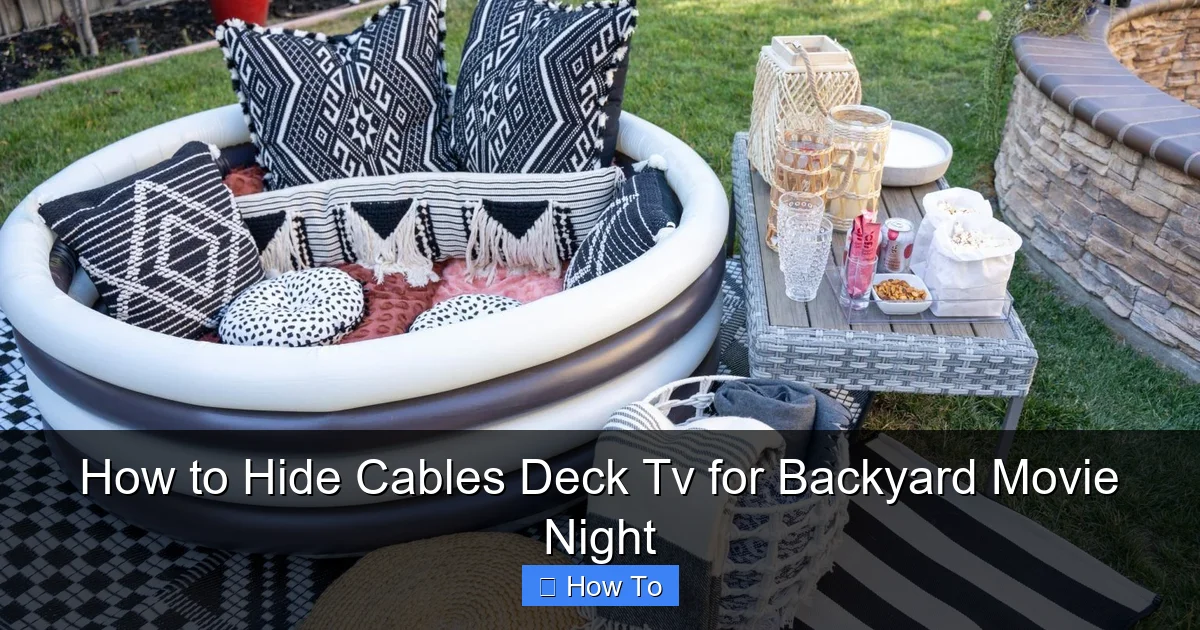
Visual guide about How to Hide Cables Deck Tv for Backyard Movie Night
Image source: i.pinimg.com
Before you start drilling holes or running cables, take time to plan your setup. A well-thought-out layout saves time, reduces frustration, and ensures your cables are hidden efficiently.
Choose the Right TV Location
Start by deciding where your TV will go. Most people mount their TV on a wall or post near the deck’s edge for the best viewing angle. Consider these factors:
– Viewing distance: Sit 6 to 10 feet away from a 55-inch TV for optimal comfort.
– Sun and glare: Avoid placing the TV where direct sunlight hits the screen during evening hours.
– Weather protection: If your TV isn’t fully outdoor-rated, choose a spot under a covered area or use a weatherproof enclosure.
Map Power and Signal Sources
Next, identify where your power outlet and signal sources (like a streaming device, Blu-ray player, or cable box) will be located. Ideally, these should be close to the TV to minimize cable length.
– Use a GFCI outlet (Ground Fault Circuit Interrupter) for safety, especially in damp outdoor areas.
– If your outlet is far from the TV, consider hiring an electrician to install a new one nearby—this is safer than using long extension cords.
Sketch a Cable Route
Grab a piece of paper or use a smartphone app to sketch your deck layout. Mark the TV location, power source, and any obstacles like railings, stairs, or planters.
– Plan the shortest, most direct path for your cables.
– Note where you’ll run wires: under the deck, along railings, or behind furniture.
– Measure the distance to ensure your cables are long enough (but not too long—excess wire creates clutter).
Account for Seating and Traffic Flow
Make sure your cable route doesn’t cross high-traffic areas or seating zones. You don’t want guests tripping over hidden wires or feeling cramped.
– Keep cables at least 12 inches away from walkways.
– If cables must cross a path, use a protective ramp or cover.
Step 2: Gather the Right Tools and Materials
Having the right supplies makes the job easier and ensures a professional finish. Here’s what you’ll need:
Cable Management Supplies
– Outdoor cable raceways: These are plastic or metal channels that snap over wires. Choose UV-resistant, weatherproof models.
– Flexible conduit: Great for running cables under the deck or through tight spaces.
– Cable clips and zip ties: Use outdoor-rated versions to secure wires to railings or posts.
– Adhesive cable mounts: Ideal for smooth surfaces like wood or composite decking.
– Cable sleeves: Fabric or spiral wraps that bundle multiple wires together neatly.
Installation Tools
– Drill and drill bits
– Screwdriver or impact driver
– Measuring tape
– Level
– Utility knife or wire cutters
– Cable puller (optional, for long runs)
Safety Gear
– Work gloves
– Safety glasses
– Rubber-soled shoes (for grip on the deck)
Optional but Helpful
– Label maker or tape labels (to identify cables)
– Cable tester (to check connections)
– Extension cord with surge protector (for temporary setups)
Step 3: Choose the Best Cable Hiding Method
There’s no one-size-fits-all solution for hiding cables on a deck. The best method depends on your deck’s design, TV location, and personal preference. Here are the top options:
Option 1: Use Cable Raceways
Cable raceways are the most popular choice for deck TV setups. They’re easy to install, look clean, and protect wires from the elements.
– How to install:
1. Measure the length of cable you need to cover.
2. Cut the raceway to size using a utility knife or saw.
3. Open the raceway and lay your cables inside.
4. Snap the cover shut.
5. Attach the raceway to the deck using screws or adhesive mounts.
– Best for: Straight runs along railings, walls, or deck edges.
– Tip: Paint the raceway to match your deck color for a seamless look.
Option 2: Run Cables Under the Deck
If your deck has space underneath, this is a great way to hide cables completely.
– How to install:
1. Use a flashlight to inspect the area under your deck.
2. Plan a route from the TV to the power source, avoiding moisture or pests.
3. Feed cables through flexible conduit for protection.
4. Secure the conduit to joists or beams using zip ties or clips.
5. Seal entry points with silicone caulk to prevent water intrusion.
– Best for: Decks with open undersides and easy access.
– Tip: Label both ends of the conduit so you know which cable is which.
Option 3: Conceal Cables Behind Railings or Posts
If your deck has thick railings or support posts, you can route cables behind them.
– How to install:
1. Remove any decorative caps or covers.
2. Drill a small hole through the post or railing (if needed).
3. Feed cables through or along the backside.
4. Reattach caps and secure cables with clips.
– Best for: Modern or minimalist decks with clean lines.
– Tip: Use a fish tape or string to help pull cables through tight spaces.
Option 4: Use Furniture and Decor to Hide Cables
Sometimes the simplest solution is the best. Use outdoor furniture, planters, or decor to camouflage wires.
– How to do it:
– Route cables behind a bench or storage box.
– Tuck wires under a rug or outdoor mat (only if protected from moisture).
– Use tall planters or trellises to block the view of cables.
– Best for: Temporary setups or renters who can’t modify the deck.
– Tip: Avoid covering cables with flammable materials like dry leaves or fabric.
Step 4: Install and Secure Your Cables
Now it’s time to put your plan into action. Follow these steps to install your cables safely and neatly.
Step 4.1: Run the Cables
– Start at the TV and work your way back to the power source.
– Keep cables taut but not stretched—leave a little slack for movement.
– Bundle multiple cables together using a sleeve or zip ties.
Step 4.2: Attach Cable Management
– For raceways: Screw or glue them in place every 12–18 inches.
– For clips: Space them 6–8 inches apart to prevent sagging.
– For conduit: Secure with straps or clips every 2–3 feet.
Step 4.3: Protect Connections
– Use waterproof cable connectors or electrical tape to seal any exposed joints.
– Place power strips and adapters in a weatherproof box or enclosure.
– Avoid leaving loose cables on the ground—elevate them whenever possible.
Step 4.4: Test Everything
Before you finalize the setup, test all connections:
– Turn on the TV and check the picture and sound.
– Test the streaming device, soundbar, or speakers.
– Make sure the power strip is working and not overheating.
If something isn’t working, double-check your connections and cable routes.
Step 5: Maintain and Upgrade Your Setup
Once your cables are hidden, a little maintenance goes a long way.
Regular Checks
– Inspect cables every few months for wear, fraying, or damage.
– Clean raceways and clips to prevent dirt buildup.
– Re-tighten loose mounts or zip ties.
Seasonal Adjustments
– In winter, disconnect and store portable equipment if you don’t use it.
– In rainy seasons, check for water intrusion in conduits or raceways.
Future Upgrades
– Leave extra slack in long cable runs for future devices.
– Use modular raceways that can be opened and modified easily.
– Consider wireless alternatives (like Bluetooth speakers) to reduce cable clutter.
Troubleshooting Common Issues
Even with careful planning, problems can arise. Here’s how to fix the most common issues:
Problem: Cables Are Still Visible
– Solution: Add more raceways, use paint to blend them in, or reposition furniture to block the view.
Problem: Signal Loss or Poor Picture Quality
– Solution: Check for damaged cables, loose connections, or interference from power lines. Use shielded HDMI cables for long runs.
Problem: Cables Keep Coming Loose
– Solution: Use stronger mounts, add more clips, or switch to a more secure method like conduit.
Problem: Water Getting Into Cables
– Solution: Seal all entry points with silicone, use waterproof enclosures, and avoid low-lying cable routes.
Problem: Tripping Hazards Remain
– Solution: Re-route cables away from walkways, use cable ramps, or install a permanent conduit under the deck.
Safety Tips for Outdoor Cable Management
Safety should always come first when working with electricity outdoors.
– Use GFCI outlets: These shut off power if they detect a fault, preventing shocks.
– Avoid overloading circuits: Don’t plug too many devices into one outlet.
– Keep cables dry: Never run bare wires on wet surfaces.
– Hire a professional if unsure: If you’re not comfortable with electrical work, consult a licensed electrician.
Conclusion
Hiding cables for your deck TV doesn’t have to be complicated or expensive. With a solid plan, the right tools, and a bit of creativity, you can create a clean, safe, and stylish outdoor movie setup that enhances your backyard experience.
Remember: the key is to plan ahead, use weatherproof materials, and prioritize safety. Whether you choose raceways, under-deck routing, or clever camouflage, the result will be a space where you can relax, entertain, and enjoy movie nights under the stars—without tripping over wires.
So go ahead—grab that popcorn, dim the lights, and press play. Your perfect backyard cinema is just a few cables away.

