
Hiding cables for a weatherproof TV in humid areas ensures safety, longevity, and a clean outdoor setup. This guide walks you through weatherproofing, routing, and concealing cables using durable materials and smart techniques to prevent moisture damage and tripping hazards.
Key Takeaways
- Use weatherproof cable conduits: Protect cables from moisture, UV rays, and temperature swings with sealed, UV-resistant raceways or conduits.
- Choose the right cable types: Opt for outdoor-rated, direct burial, or marine-grade cables designed for high humidity and outdoor conditions.
- Route cables away from water sources: Avoid areas prone to pooling water, sprinklers, or direct rain exposure to reduce corrosion risk.
- Seal all connection points: Use silicone sealant or waterproof junction boxes to prevent moisture from entering outlets and connectors.
- Mount cables securely and discreetly: Use cable clips, clips with adhesive backing, or run cables behind walls or under decking for a clean look.
- Regular maintenance is essential: Inspect cables and seals every few months to catch wear, cracks, or corrosion early.
- Prioritize safety and code compliance: Follow local electrical codes and use GFCI outlets to prevent shocks in damp environments.
How to Hide Cables for Weatherproof TVs in Humid Areas
Installing a weatherproof TV on your patio, deck, or outdoor living space is a fantastic way to enjoy movies, sports, and shows under the open sky. But while the TV itself may be built to withstand the elements, the cables connecting it to power, HDMI sources, and audio systems are often vulnerable—especially in humid environments. Moisture, condensation, and temperature fluctuations can degrade cables, cause electrical shorts, or even create safety hazards.
That’s why knowing how to hide cables for a weatherproof TV in humid areas is just as important as choosing the right TV. A clean, safe, and professional-looking setup not only enhances your outdoor space but also protects your investment and ensures long-term performance.
In this comprehensive guide, you’ll learn step-by-step how to safely route, protect, and conceal cables for your outdoor TV. We’ll cover the best materials, tools, and techniques to keep your wiring secure from humidity, rain, and UV exposure—while maintaining a sleek, clutter-free appearance. Whether you’re mounting your TV under a covered porch, on a balcony, or by the pool, these tips will help you create a durable and attractive outdoor entertainment system.
Why Cable Protection Matters in Humid Areas
Visual guide about How to Hide Cables Weatherproof Tv for Humid Areas
Image source: i.ytimg.com
Humidity is one of the biggest threats to outdoor electronics. Unlike dry climates, humid regions—such as coastal areas, tropical zones, or places with frequent rain—create a constant challenge for exposed wiring. Moisture in the air can seep into cable insulation, corrode metal connectors, and degrade signal quality over time. In extreme cases, it can lead to short circuits, electrical fires, or damage to your TV and connected devices.
Even if your TV is labeled “weatherproof” or “outdoor-rated,” that doesn’t mean the cables are. Most standard indoor cables aren’t designed to handle prolonged exposure to moisture, heat, or UV rays. Over time, the outer jacket can crack, the copper inside can oxidize, and connections can fail.
Additionally, visible cables can be a tripping hazard, especially in high-traffic outdoor areas. They can also detract from the aesthetic of your outdoor space. Hiding and protecting cables solves both safety and style issues.
By taking the time to properly conceal and weatherproof your cables, you’re not just improving the look of your setup—you’re extending the life of your equipment and reducing the risk of costly repairs or replacements.
Step 1: Plan Your Cable Route
Before you start drilling or running wires, take time to plan the most efficient and discreet path for your cables. A well-thought-out route minimizes exposure, reduces the number of connections, and makes future maintenance easier.
Assess Your TV Location and Power Source
Start by identifying where your TV will be mounted and where your power source is located. Ideally, the TV should be within 10–15 feet of an outdoor-rated electrical outlet. If it’s farther, you may need to install a new GFCI (Ground Fault Circuit Interrupter) outlet, which is required by code for outdoor use.
Consider the following:
– Is the TV under a covered area, or fully exposed?
– Are there walls, beams, or soffits you can route cables behind?
– Is there access to the attic, crawlspace, or under-deck area?
Map Out the Cable Path
Sketch a simple diagram of your outdoor space, marking the TV location, power outlet, and any devices you’ll connect (like a streaming box, soundbar, or gaming console). Then, trace the shortest and most protected path for each cable.
For example:
– Run power cables along the wall or under the deck.
– Route HDMI and audio cables through conduit or raceways.
– Avoid crossing walkways or areas where people sit or walk.
Minimize Cable Length and Connections
Use the shortest cables possible to reduce signal loss and clutter. Longer cables are more prone to interference and harder to hide. If you must use extensions, choose high-quality, outdoor-rated extension cords or HDMI cables with built-in signal boosters.
Also, limit the number of connection points. Each splice or adapter is a potential entry point for moisture. If you need to extend a cable, use a waterproof junction box instead of inline connectors.
Step 2: Choose the Right Cables and Materials
Not all cables are created equal—especially for outdoor use. Using the wrong type can lead to poor performance or safety risks.
Use Outdoor-Rated Cables
Always choose cables specifically rated for outdoor or direct burial use. Look for labels like:
– “Outdoor” or “Direct Burial”
– “UV Resistant”
– “Waterproof” or “Moisture Resistant”
For power:
– Use SJTW or SJTOW-rated outdoor extension cords or permanent wiring.
– These are designed to resist water, oil, and sunlight.
For HDMI and audio:
– Choose outdoor-rated HDMI cables with weatherproof jackets.
– Look for cables with gold-plated connectors to resist corrosion.
Consider Marine-Grade or Industrial Cables
In extremely humid or coastal environments, consider upgrading to marine-grade cables. These are built for boats and docks and offer superior protection against saltwater, humidity, and UV exposure.
Use Weatherproof Conduits and Raceways
To protect and hide cables, use rigid or flexible conduits made from PVC, metal, or UV-resistant plastic. These enclose the cables and shield them from moisture, pests, and physical damage.
Popular options include:
– PVC electrical conduit (rigid or flexible)
– Surface-mounted raceways (great for walls)
– Under-deck cable trays
Choose white or paintable raceways to blend with your wall or ceiling color.
Step 3: Install Weatherproof Conduits and Raceways
Once you’ve chosen your cables and materials, it’s time to install the protective housing.
Mount the Conduit Along the Planned Route
Use a drill and screws to secure the conduit or raceway to the wall, soffit, or deck beam. Make sure it’s level and tightly fastened. For a cleaner look, paint the raceway to match your wall or trim.
Feed Cables Through the Conduit
Before sealing the conduit, carefully feed your cables through. Use a fish tape or string to pull them smoothly. Avoid sharp bends or kinks, which can damage the internal wires.
Seal the Ends
Use silicone sealant or rubber grommets to seal the ends of the conduit where cables enter and exit. This prevents moisture from seeping in. For extra protection, wrap the cable ends with electrical tape before inserting them.
Step 4: Use Cable Clips and Adhesive Mounts
For shorter runs or areas where conduit isn’t practical, use weatherproof cable clips or adhesive mounts.
Choose UV-Resistant Clips
Standard plastic clips can become brittle in sunlight. Opt for clips made from UV-stabilized nylon or stainless steel.
Mount Along Trim, Beams, or Under Eaves
Attach clips every 12–18 inches to keep cables secure and straight. Run them along baseboards, under roof overhangs, or behind outdoor furniture.
Use Adhesive-Backed Clips for Smooth Surfaces
For glass, metal, or painted walls, use heavy-duty adhesive clips rated for outdoor use. Clean the surface with rubbing alcohol before applying to ensure a strong bond.
Step 5: Conceal Cables Behind Walls or Under Decking
For the most professional and hidden look, run cables inside walls or under decking.
Run Cables Through Exterior Walls
If your TV is mounted on an exterior wall, drill a small hole (sealed with silicone) to run cables into the attic or crawlspace. Then, route them down to an indoor outlet or outdoor junction box.
Use Under-Deck Cable Trays
If your TV is on a deck, install a cable tray underneath. These are inexpensive, easy to mount, and keep wires off the ground and out of sight.
Hide Cables Behind Outdoor Panels or Soffits
Some outdoor TV mounts come with built-in cable management channels. Alternatively, install decorative panels or soffits to conceal wiring.
Step 6: Seal All Connections and Outlets
Moisture loves to sneak into small gaps. Sealing every connection point is critical.
Use Waterproof Junction Boxes
For any splices or adapters, use a NEMA-rated outdoor junction box. These are sealed and rated for wet locations.
Apply Silicone Sealant
Around outlets, conduit entries, and cable exits, apply a bead of outdoor-grade silicone sealant. This creates a watertight barrier.
Install Weatherproof Outlet Covers
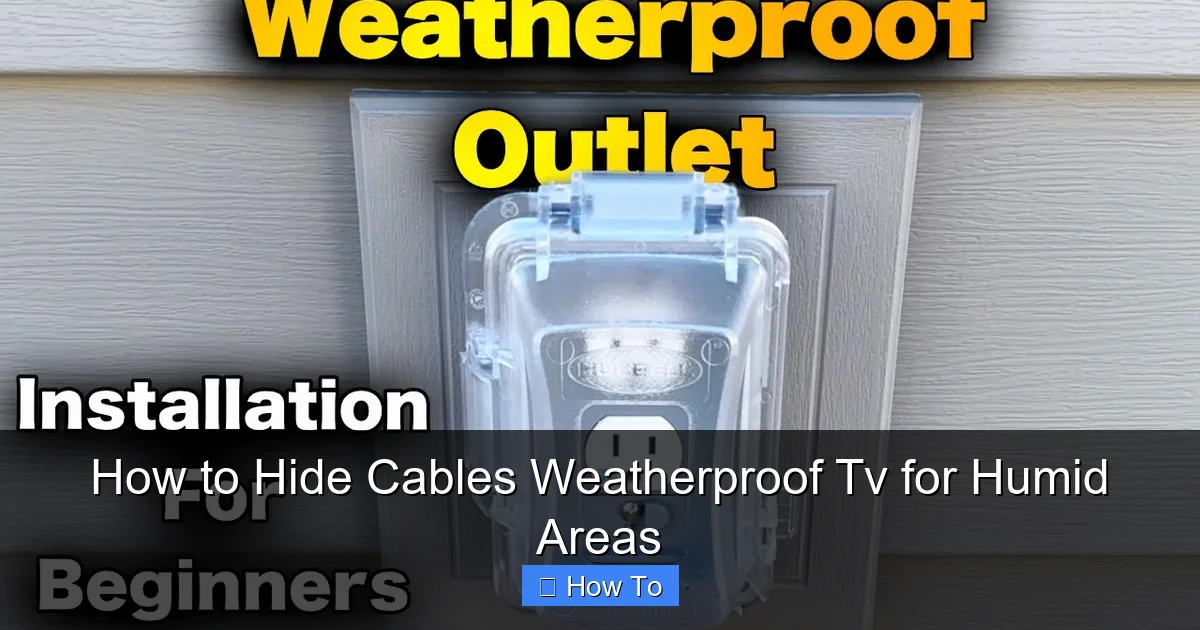
Use in-use outlet covers (also called “bubble covers”) that allow plugs to stay connected while protecting them from rain and humidity.
Step 7: Test and Secure Your Setup
Before you sit back and enjoy your movie night, test everything.
Check All Connections
Turn on the TV and connected devices. Make sure video, audio, and power are working correctly.
Inspect for Loose Cables or Gaps
Walk the entire cable route and look for loose clips, exposed wires, or unsealed areas.
Tidy Up Excess Cable
Use zip ties or Velcro straps to bundle extra cable length. Coil it neatly inside a weatherproof box or behind the TV.
Troubleshooting Common Issues
Even with careful planning, problems can arise. Here’s how to fix the most common ones.
Cable Signal Loss or Interference
If your HDMI signal is weak or flickering, it could be due to a long cable run or poor-quality wire. Use an HDMI extender with signal boosting or switch to a fiber optic HDMI cable for runs over 25 feet.
Moisture Inside Conduit
If you notice condensation or water inside the conduit, it means it’s not properly sealed. Disconnect the cables, dry them thoroughly, and reseal all entry points with silicone.
Adhesive Clips Falling Off
If adhesive clips lose grip, clean the surface again and use mechanical fasteners (screws) instead. Or upgrade to heavier-duty clips.
Corroded Connectors
If you see green or white buildup on plugs, disconnect power immediately. Clean with a wire brush and isopropyl alcohol. Replace the cable if corrosion is severe.
Maintenance Tips for Long-Term Protection
Protecting your cables isn’t a one-time job. Regular maintenance ensures they stay in top condition.
Inspect Every 3–6 Months
Check for cracks in conduit, loose clips, or frayed cables. Look for signs of pests, like chewed insulation.
Reapply Sealant as Needed
Over time, silicone can shrink or crack. Reapply sealant around outlets and conduit entries annually.
Keep the Area Dry
Use a leaf blower or soft brush to remove debris from raceways and under-deck areas. Avoid spraying water directly on cables or outlets.
Conclusion
Hiding cables for a weatherproof TV in humid areas might seem like a small detail, but it’s a crucial step in creating a safe, reliable, and attractive outdoor entertainment system. By using the right materials, planning your cable route, and sealing every connection, you can protect your investment from moisture, UV damage, and wear.
Remember: outdoor-rated cables, weatherproof conduits, and regular maintenance are your best allies against humidity. Whether you’re mounting your TV under a covered patio or by the pool, these steps will help you enjoy crystal-clear picture and sound—season after season.
Take your time, follow safety guidelines, and don’t hesitate to consult a licensed electrician if you’re unsure about wiring or outlet installation. With the right approach, your outdoor TV setup will look sleek, perform flawlessly, and stand up to the elements for years to come.

