
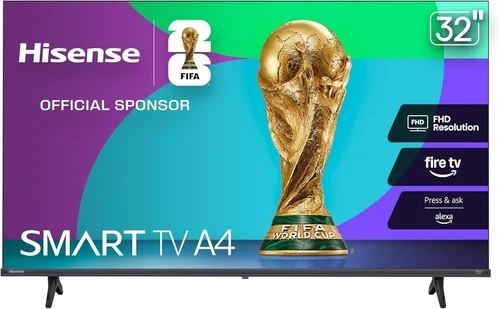
If you’re a renter looking to enjoy your favorite shows, sports, or movies on the patio—without breaking the bank or risking damage to expensive electronics—you’re not alone. Outdoor living spaces have become extensions of our homes, especially in rental properties where indoor square footage might be limited. A patio TV can transform a simple backyard setup into a cozy entertainment zone perfect for summer barbecues, fall football nights, or quiet evenings under the stars. But here’s the catch: most high-end outdoor TVs are built for permanent installation and come with premium price tags that don’t align with the temporary nature of renting. That’s where this guide comes in.
This comprehensive buying guide is designed specifically for renters and budget-conscious buyers who want a reliable, affordable patio TV solution. Whether you’re leasing a house, apartment with a balcony, or even managing multiple rental units, we’ll walk you through everything you need to know to make a smart, cost-effective purchase. You’ll learn how to balance performance, durability, and price—while avoiding common pitfalls that lead to buyer’s remorse. From understanding key specs like brightness and weather resistance to comparing different types of TVs suited for outdoor use, this guide covers it all. We’ll also share expert tips on timing your purchase, where to shop, and how to protect your investment—even if you plan to move in a year.
The market for outdoor TVs has evolved significantly over the past few years. While fully weatherproof, all-season outdoor models from brands like SunBrite or Samsung’s Terrace line dominate headlines, they often cost $2,000–$5,000—far too steep for most renters. Meanwhile, standard indoor TVs used outdoors face serious risks from humidity, dust, temperature swings, and direct sunlight. The sweet spot lies in “semi-outdoor” or “weather-resistant” options: affordable TVs that offer enough protection for covered patios, screened-in porches, or shaded decks, without requiring permanent mounting or professional installation. In this guide, we’ll help you identify those hidden gems and avoid overpaying for features you don’t need—or worse, buying a TV that fails after one rainy season.
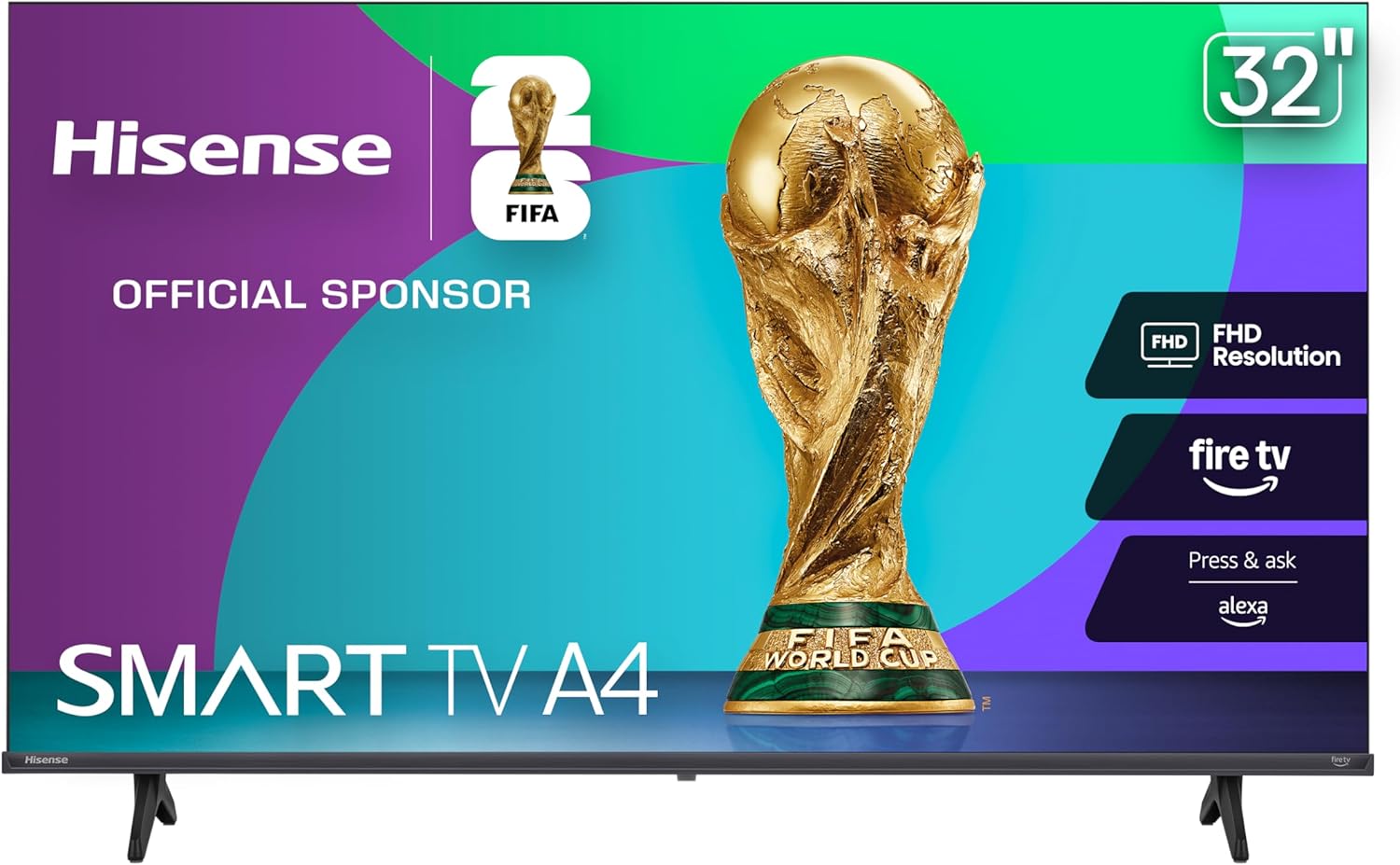
What to Look for When Buying Buying Guide
1. Budget & Price Range
For renters, affordability isn’t just a preference—it’s a necessity. Unlike homeowners who may view a patio TV as a long-term investment, renters typically prioritize low upfront cost, ease of relocation, and minimal risk. A good rule of thumb is to cap your spending at $600–$800 for a quality 43″ to 55″ patio-friendly TV. This range offers a balance between performance and value, especially if you’re using the TV seasonally or in a semi-protected area like a covered porch.
Cheaper models under $400 can work in ideal conditions (fully shaded, dry climates), but they often lack essential features like high brightness, robust build quality, or reliable connectivity. On the other hand, spending over $1,000 usually means you’re paying for full weatherproofing or commercial-grade durability—features that are overkill for most rental scenarios. Stick to mid-tier consumer models from reputable brands, and always factor in potential resale value if you plan to upgrade later.
2. Performance Specifications
When it comes to outdoor viewing, not all TV specs are created equal. Brightness is arguably the most critical factor. Indoor TVs typically range from 250 to 400 nits, which is fine for dim rooms but will appear washed out in daylight. For patios—even covered ones—you’ll want a minimum of 500 nits, with 700+ nits being ideal for areas with ambient light or partial sun exposure. Look for terms like “high luminance,” “outdoor mode,” or “anti-glare coating” in product descriptions.
Resolution matters too, but 1080p (Full HD) is often sufficient for screens under 50 inches viewed from 6–8 feet away. If you’re going larger (55″ or more) or sitting closer, consider 4K UHD for sharper detail—especially for streaming sports or nature documentaries. Refresh rate (60Hz vs. 120Hz) affects motion smoothness; 60Hz is adequate for most casual viewing, but sports fans may appreciate 120Hz for reduced motion blur. Lastly, check input lag if you plan to game outdoors—under 20ms is ideal, though rarely a priority for patio use.
3. Build Quality & Durability
Even if your patio is covered, environmental factors like humidity, dust, temperature fluctuations, and occasional splashes can degrade electronics over time. Avoid ultra-thin, lightweight TVs with flimsy frames—they’re prone to warping or cracking. Instead, opt for models with reinforced chassis, sealed ports, and ventless designs that minimize dust ingress. Some budget-friendly TVs now include basic IP ratings (like IP54), indicating resistance to splashing water and dust—though these are rare under $600.
Pay attention to the back panel and ventilation. TVs with open vents can suck in moisture and debris, leading to overheating or corrosion. Look for units with passive cooling or sealed enclosures. Also, consider the stand: a sturdy, wide-based stand prevents tipping in windy conditions. If you’re mounting the TV, ensure VESA compatibility (most 43″–55″ TVs support 200×200 or 300×300 patterns) and use a secure, removable mount that won’t damage walls when you move out.
4. Features & Functionality
Smart capabilities are almost standard now, but not all smart platforms are equal. For patio use, simplicity and reliability matter more than flashy features. Roku TV, Android TV, and webOS (LG) offer intuitive interfaces and broad app support, including Netflix, YouTube, and local streaming services. Avoid lesser-known or outdated OS versions that may lack updates or app compatibility.
Connectivity is crucial. Ensure the TV has at least three HDMI ports (for cable boxes, streaming sticks, or gaming consoles), USB ports for media playback, and Bluetooth for wireless audio. An Ethernet port is a bonus for stable streaming if Wi-Fi is spotty outdoors. Voice control via Alexa or Google Assistant can be handy, but isn’t essential. One underrated feature: screen mirroring or casting (Miracast, AirPlay 2) lets you share content from phones or tablets without extra hardware.
5. Brand Reputation
Stick with established brands known for reliability and customer service. TCL, Hisense, Vizio, and LG consistently deliver strong value in the sub-$800 range. These companies offer solid warranties, accessible support, and frequent firmware updates. Avoid no-name brands or ultra-cheap imports sold on third-party marketplaces—they often cut corners on components, lack proper certifications, and disappear when issues arise.
That said, don’t assume premium brands like Sony or Samsung are always better for outdoor use. Their standard models aren’t inherently more weather-resistant, and their higher prices may not justify marginal gains in picture quality. Focus on real-world reviews and long-term reliability data rather than marketing claims. Brands like TCL, in particular, have earned praise for offering high brightness and durable builds at aggressive price points.
6. Warranty & Support
A solid warranty can save you hundreds if your TV fails prematurely. Most reputable brands offer a 1-year limited warranty covering defects and hardware failures. Some, like Vizio, extend this to 2 years for select models. Check the fine print: does it cover accidental damage? Is service available in your area? Can you get a replacement quickly?
For renters, extended warranties or protection plans are usually not worth it—they add 10–20% to the cost and often duplicate manufacturer coverage. Instead, prioritize brands with strong track records and responsive customer service. Read user reviews about post-purchase support; a company that drags out repairs or denies valid claims can turn a great deal into a nightmare. Also, keep your receipt and register the product online to activate warranty benefits.
7. Size & Portability
Size affects both viewing experience and practicality. For most patios, 43″ to 50″ is the sweet spot—large enough for group viewing but compact enough to move easily. A 55″ TV offers more immersion but requires more space and a sturdier mount. Measure your seating distance: a general rule is to sit 1.5 to 2.5 times the screen’s diagonal size (e.g., 6.5–11 feet for a 50″ TV).
Portability is key for renters. Choose a TV under 30 lbs if you plan to move it indoors during winter or between properties. Lightweight models with integrated handles or slim profiles are easier to transport. Avoid TVs with protruding speakers or bulky stands that complicate storage. If you’re using a TV cart or mobile stand, ensure the TV’s weight and VESA pattern are compatible.
8. User Reviews & Ratings
Never buy a patio TV based solely on specs or ads. Real-world user reviews reveal hidden flaws—like poor outdoor visibility, flimsy stands, or Wi-Fi dropouts—that specs sheets won’t mention. Focus on reviews from buyers who use the TV outdoors or in bright rooms. Look for consistent themes: if multiple users report the same issue (e.g., “screen too dim in sunlight”), it’s likely a real problem.
Check multiple sources: Amazon, Best Buy, Reddit (r/roku, r/Hisense), and specialized forums. Pay attention to recent reviews (within the last 6–12 months), as manufacturers often revise models quietly. A 4.5-star average with 1,000+ reviews is more trustworthy than a 5-star rating from 10 users. Also, watch unboxing and setup videos on YouTube to see the TV in action and assess build quality firsthand.
Different Types of Buying Guide

Common Buying Mistakes to Avoid
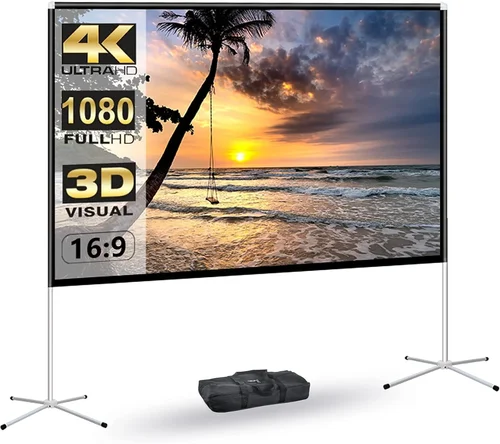
❌ Mistake: Buying a Standard Indoor TV for Full Sun Exposure
Why it’s bad: Most indoor TVs aren’t designed to handle direct sunlight. Their screens lack sufficient brightness (under 400 nits), and prolonged exposure can cause overheating, color distortion, or permanent damage to the panel. You’ll end up with a dim, unwatchable display—or a dead TV within months.
What to do instead: Only use indoor TVs in fully shaded, covered areas. If your patio gets any direct sun, invest in a model with 700+ nits brightness or consider a DIY outdoor enclosure with ventilation and UV protection.
❌ Mistake: Ignoring Humidity and Condensation Risks
Why it’s bad: Even covered patios can experience high humidity, especially in coastal or rainy regions. Moisture can seep into vents, corrode internal components, and cause fogging behind the screen. This leads to flickering, dead pixels, or complete failure.
What to do instead: Choose TVs with sealed designs or passive cooling. Store the TV indoors during off-seasons or extreme weather. Use silica gel packs in storage to absorb moisture.
❌ Mistake: Overpaying for “Outdoor” Labels
Why it’s bad: Some retailers slap “outdoor-ready” on regular TVs without meaningful upgrades. You might pay a 30–50% premium for marketing fluff, not actual weather resistance.
What to do instead: Verify specs: look for brightness ratings, IP ratings (if any), and user reviews confirming outdoor use. If a TV doesn’t specify outdoor performance, assume it’s indoor-only.
❌ Mistake: Skimping on Mounting Hardware
Why it’s bad: Cheap mounts can wobble in wind, scratch walls, or fail entirely—damaging your TV or rental property. Landlords may charge you for wall repairs.
What to do instead: Use a high-quality, removable mount rated for your TV’s weight. Consider freestanding TV carts or mobile stands to avoid wall mounting altogether.
❌ Mistake: Neglecting Audio Quality
Why it’s bad: Outdoor environments drown out built-in TV speakers. You’ll strain to hear dialogue over wind, traffic, or ambient noise, ruining the experience.
What to do instead: Pair your TV with weather-resistant Bluetooth speakers or a soundbar. Many budget TVs support optical audio output for external systems.
❌ Mistake: Forgetting About Power and Cable Management
Why it’s bad: Exposed cords are tripping hazards and can degrade from sun/rain. Running extension cords across patios looks messy and violates some lease agreements.
What to do instead: Use outdoor-rated extension cords with GFCI protection. Conceal cables with raceways or cable covers. Consider wireless streaming to reduce cord clutter.
❌ Mistake: Not Planning for Relocation
Why it’s bad: Buying a heavy, wall-mounted TV only to move in a year wastes money and effort. You might leave it behind or pay to move it.
What to do instead: Prioritize lightweight, portable models. Use temporary mounts or stands. Choose TVs with standard VESA patterns for easy re-mounting.
Budget Guidelines: How Much Should You Spend?
Entry-Level ($200–$400): This tier includes basic 32″ to 43″ indoor TVs from brands like Insignia or older TCL models. Expect 300–400 nits brightness, standard smart features, and minimal durability. Best for fully covered, dry patios used occasionally. Risk of premature failure is higher, but replacement cost is low.
Mid-Range ($400–$700): The sweet spot for most renters. Look for 43″ to 50″ models from TCL, Hisense, or Vizio with 500–700 nits brightness, robust builds, and reliable smart platforms. These TVs handle ambient light well and offer solid warranties. Ideal for covered porches or shaded decks used regularly.
Premium ($700–$1,200): For those willing to stretch the budget, this range includes high-brightness 55″ 4K TVs with advanced anti-glare coatings, better speakers, and enhanced connectivity. Some models approach true outdoor readiness without full weatherproofing. Great for larger patios or frequent entertainers.
Luxury ($1,200+): Reserved for commercial-grade outdoor TVs or DIY setups with custom enclosures. Overkill for most renters, but justified if you have an uncovered patio in a harsh climate and plan to stay long-term. Focus on total cost of ownership, including installation and maintenance.
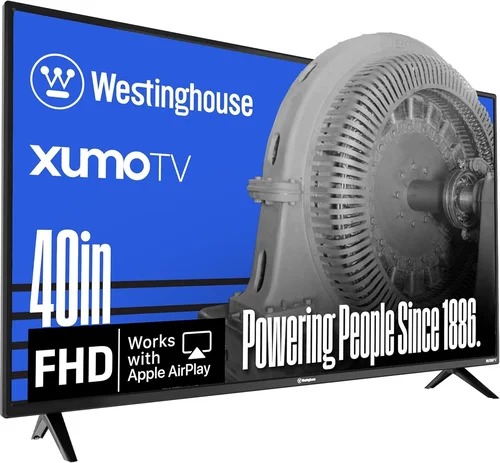
Expert Tips for Getting the Best Deal
- Buy During Off-Seasons: Patio TV demand peaks in spring and summer. Shop in late fall or winter (November–February) for discounts on current-year models as retailers clear inventory.
- Check Warehouse Clubs: Costco, Sam’s Club, and BJ’s often carry mid-tier TVs with extended return windows (90+ days) and bundled warranties—ideal for risk-averse buyers.
- Use Price Tracking Tools: Apps like Honey, CamelCamelCamel (for Amazon), or Keepa alert you when prices drop. Set alerts for your target model and pounce when it hits your budget.
- Consider Refurbished Models: Certified refurbished TVs from manufacturer outlets (e.g., TCL Renewed, LG Outlet) offer near-new performance at 20–40% off. Ensure they include full warranties.
- Negotiate with Local Retailers: Small electronics stores may price-match online deals or throw in free mounts/cables. It never hurts to ask!
- Read Return Policies Carefully: Some retailers charge restocking fees or limit returns for opened electronics. Choose stores with hassle-free returns (e.g., Best Buy, Amazon).
- Test Before Finalizing: If buying in-store, inspect the screen for dead pixels, check speaker quality, and verify all ports work. For online purchases, unbox and test immediately upon delivery.
- Bundle with Accessories: Look for deals that include mounts, cables, or streaming devices. A $50 bundle can save you $100+ in separate purchases.

Frequently Asked Questions
Q: Can I use a regular TV on my covered patio?
A: Yes, but only if it’s fully protected from rain, direct sun, and humidity. Choose a model with high brightness (500+ nits) and avoid leaving it outdoors unattended. For best results, bring it inside during storms or off-seasons.
Q: Do I need a special outdoor TV mount?
A: Not necessarily. Standard VESA-compatible mounts work if your patio is covered. For windy areas, use a tilt/swivel mount with locking mechanisms. Avoid ultra-cheap mounts—invest in one rated for your TV’s weight.
Q: How do I protect my TV from rain if my patio isn’t fully covered?
A: Use a DIY outdoor TV enclosure with ventilation, UV-resistant materials, and a waterproof front panel. Never rely on tarps or plastic covers—they trap heat and moisture. Alternatively, only use the TV during dry weather.
Q: Will my landlord allow a patio TV?
A: Check your lease agreement. Most allow temporary installations if no permanent damage occurs. Use removable mounts or freestanding stands to avoid wall holes. Get written permission if unsure.
Q: Can I leave my patio TV outside year-round?
A: Only if it’s a true outdoor model or properly enclosed. Standard TVs will degrade in winter cold, summer heat, or humidity. For seasonal use, store indoors when not in use.
Q: What’s the best size for a small balcony?
A: A 32″ to 43″ TV is ideal for balconies under 100 sq ft. Sit 4–6 feet away for comfortable viewing. Larger screens overwhelm small spaces and may not fit safely.
Q: Do patio TVs consume more power?
A: Not significantly. Brightness settings affect energy use more than location. Enable power-saving modes and turn off the TV when not in use to minimize electricity costs.
Q: Can I connect a sound system to my patio TV?
A: Absolutely. Use Bluetooth speakers, a weather-resistant soundbar, or wired speakers via optical/audio outputs. Ensure all outdoor audio gear is rated for exterior use.
Q: Are there battery-powered patio TVs?
A: Yes, portable displays like the Samsung The Sero (when paired with a battery pack) or dedicated outdoor projectors offer cord-free options. However, battery life is limited (2–6 hours), so they’re best for short gatherings.
Q: How long will a budget patio TV last?
A: With proper care, 3–5 years is realistic. Factors like climate, usage frequency, and storage conditions heavily influence lifespan. Treat it well, and it’ll outlast your lease.
Our Final Recommendations
Best for Budget-Conscious Buyers: TCL 43S5400 43″ 4K UHD Smart TV – Priced under $350, this Roku TV delivers 500+ nits brightness, solid build quality, and reliable performance for covered patios. Great entry point for renters.
Best Overall Value: Hisense 50R6E 50″ 4K UHD Roku TV – At around $450, it offers 700 nits brightness, excellent color accuracy, and a sturdy frame. Perfect for semi-outdoor use with minimal risk.
Best Premium Option: Vizio V505-H19 50″ 4K Smart TV – With 800 nits peak brightness, Dolby Vision, and a sleek design, this model handles bright patios with ease. Priced near $650, it’s a renter’s luxury without commercial-grade costs.
Best for Beginners: Insignia F30 43″ 4K Fire TV – Simple setup, intuitive Amazon Fire interface, and decent brightness make this a hassle-free choice for first-time patio TV owners. Under $300 at Best Buy.
Best for Advanced Users: DIY Enclosure + LG 55UR7300 55″ 4K TV – Tech-savvy renters can build a custom outdoor case for under $200 and pair it with LG’s reliable panel. Total cost ~$800, but fully customizable and relocatable.
Conclusion: Making the Right Choice
Choosing the right patio TV as a renter doesn’t have to be overwhelming—or expensive. By focusing on your specific needs—covered vs. uncovered space, budget constraints, and how often you’ll move—you can find a TV that enhances your outdoor lifestyle without compromising your finances or lease agreement. Remember: brightness, build quality, and portability matter more than flashy specs or brand names. Avoid common pitfalls like using indoor TVs in harsh conditions or overpaying for unnecessary features. Instead, prioritize value, reliability, and ease of use.
Take the time to read reviews, compare models, and plan for the long term—even if your lease is short. A well-chosen patio TV can deliver years of enjoyment, whether you’re watching the big game with friends or enjoying a quiet movie night under the stars. And when it’s time to move? You’ll be glad you didn’t overspend on something that couldn’t come with you.
So go ahead—transform your patio into the ultimate rental retreat. With the insights from this guide, you’re equipped to make a smart, confident purchase that fits your lifestyle and your budget. Happy viewing!

