
Installing a deck TV on a screened porch lets you enjoy your favorite shows outdoors in comfort. This guide walks you through choosing the right TV, mounting it securely, running cables safely, and protecting it from the elements—so you can relax and entertain outside year-round.
Key Takeaways
- Choose an outdoor-rated or weather-resistant TV: Regular indoor TVs aren’t built to handle humidity, temperature swings, or dust—opt for a model designed for covered outdoor spaces.
- Use a sturdy, weatherproof mount: A full-motion or tilting mount made for outdoor use ensures stability and allows optimal viewing angles.
- Plan your cable routing carefully: Run power and HDMI cables through conduit or along protected paths to prevent damage and tripping hazards.
- Ensure proper ventilation and clearance: Leave space around the TV for airflow to prevent overheating, especially in enclosed screened areas.
- Protect against power surges and moisture: Use a weatherproof outlet cover and a surge protector rated for outdoor use.
- Test everything before finalizing installation: Power up the TV, check signal quality, and adjust the mount before sealing cables or closing access panels.
- Maintain your setup regularly: Clean the screen, inspect seals, and check connections seasonally to extend your TV’s lifespan.
How to Install Deck TV for Screened Porch
Imagine sipping your morning coffee or hosting a summer barbecue while catching up on your favorite show—right from your screened porch. Installing a deck TV makes outdoor living more enjoyable, turning your porch into a true entertainment zone. But unlike setting up a TV indoors, mounting one on a deck or screened area comes with unique challenges: weather exposure, cable management, and structural safety.
This comprehensive guide will walk you through every step of installing a deck TV for your screened porch—from choosing the right television to securing it safely and protecting it from the elements. Whether you’re a DIY enthusiast or hiring a professional, you’ll learn how to do it right the first time. By the end, you’ll have a reliable, high-quality outdoor viewing experience that lasts for years.
Let’s get started.
Step 1: Choose the Right TV for Your Screened Porch
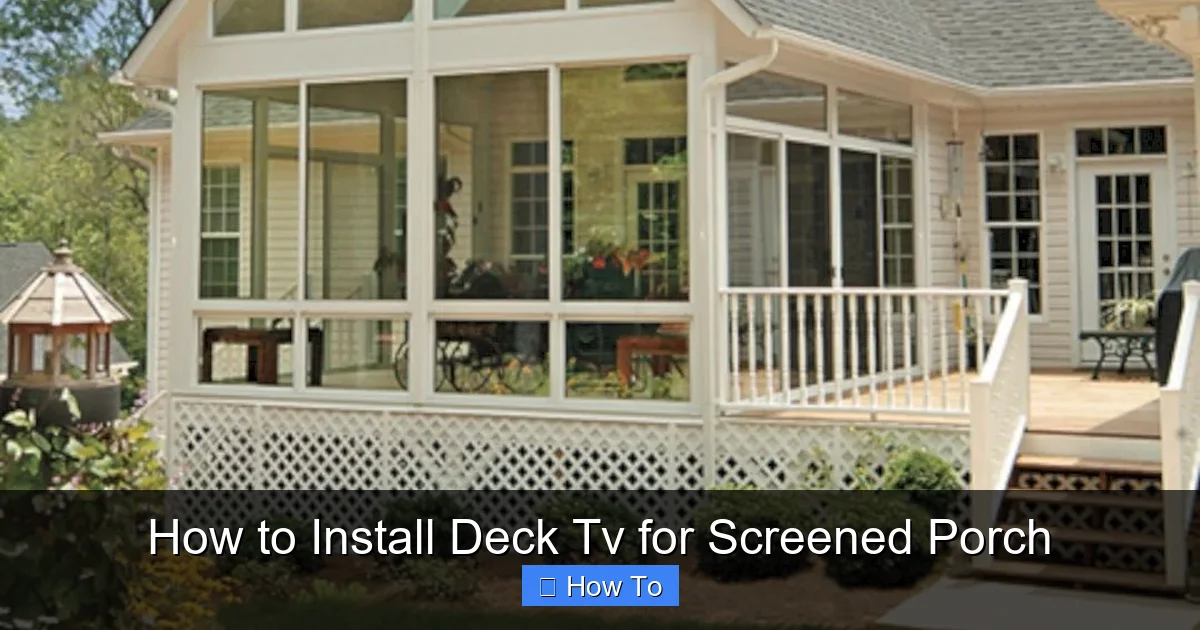
Visual guide about How to Install Deck Tv for Screened Porch
Image source: i.pinimg.com
Not all TVs are created equal—especially when it comes to outdoor use. A screened porch offers some protection from rain and direct sunlight, but it’s still considered a semi-outdoor environment. That means your TV must handle humidity, temperature changes, and dust.
Indoor vs. Outdoor TVs
Most standard TVs are designed for climate-controlled indoor spaces. They lack the sealing, cooling systems, and durable materials needed for outdoor conditions. Even on a covered porch, moisture and heat can damage internal components over time.
Instead, look for one of these options:
- Outdoor-rated TVs: These are built specifically for outdoor use. Brands like SunBrite, Samsung Terrace, and LG Outdoor offer models with weatherproof casings, anti-glare screens, and enhanced cooling. They’re more expensive but offer the best protection.
- Weather-resistant indoor TVs: Some manufacturers label certain models as “weather-resistant” or suitable for covered patios. These aren’t fully outdoor-rated but can work in protected areas like screened porches if properly shielded.
- Indoor TV with a weatherproof enclosure: If you already own a high-quality indoor TV, you can protect it with a ventilated, weatherproof outdoor TV cover or enclosure. This is a budget-friendly alternative, but ensure the enclosure allows for proper airflow.
Screen Size and Viewing Distance
Choose a screen size based on how far you’ll be sitting from the TV. A good rule of thumb:
- For 6–8 feet: 40–50 inches
- For 8–10 feet: 50–65 inches
- For 10+ feet: 65 inches or larger
Larger screens are great for group viewing, but make sure your porch has enough wall or ceiling space to mount it comfortably.
Brightness and Anti-Glare Features
Even on a screened porch, ambient light can wash out the picture. Look for a TV with high brightness (measured in nits)—ideally 700 nits or higher. Anti-reflective coatings and matte screens also help reduce glare from sunlight filtering through screens.
Smart Features and Connectivity
Most modern outdoor TVs come with built-in smart platforms (like Roku, Android TV, or webOS), so you can stream Netflix, YouTube, and more without extra devices. Make sure it has enough HDMI ports for cable boxes, gaming consoles, or soundbars.
Step 2: Select the Right Mounting Location
Where you mount your TV is just as important as the TV itself. The right spot ensures great viewing angles, protects the TV, and keeps cables hidden.
Assess Your Porch Structure
Before drilling any holes, inspect the area where you plan to mount the TV. Look for:
- Sturdy framing: The mount must attach to solid wood, metal, or concrete—not just drywall or thin siding.
- Roof overhang: Ensure the TV is under cover and won’t be exposed to rain, even during heavy winds.
- Sun and shade patterns: Avoid direct sunlight hitting the screen. Morning or evening sun can cause glare.
- Viewing angle: The TV should be at or slightly below eye level when seated. Avoid mounting too high, which forces neck strain.
Wall vs. Ceiling Mount
Most deck TVs are wall-mounted, but ceiling mounts work well for porches with open beams or high ceilings.
- Wall mount: Ideal for most screened porches. Offers stability and easy access for adjustments. Use a full-motion mount if you want to tilt or swivel the TV.
- Ceiling mount: Great for vaulted ceilings or when wall space is limited. Requires strong ceiling joists and careful cable routing.
Check for Obstructions
Make sure nothing blocks the view—like plants, railings, or furniture. Also, avoid placing the TV near heat sources (like grills or heaters) or vents that blow dust or moisture.
Step 3: Choose a Weatherproof TV Mount
A regular indoor mount won’t cut it. You need a mount designed for outdoor use.
Outdoor-Rated Mount Features
Look for these key features:
- Rust-resistant materials: Powder-coated steel or aluminum resists corrosion from humidity and rain.
- Sealed joints: Prevents water from seeping into mounting hardware.
- Adjustability: Tilting or full-motion mounts let you angle the TV for the best view, especially if seating is at an angle.
- Weight capacity: Must support your TV’s weight with a safety margin (check the TV’s specs).
Popular outdoor mount brands include Sanus, Peerless, and Vogel’s. Many are compatible with VESA patterns (the standard screw layout on the back of TVs).
Installation Tips for the Mount
- Use a stud finder to locate solid framing behind the wall or ceiling.
- Drill pilot holes to prevent splitting wood.
- Use stainless steel lag bolts or concrete anchors for secure attachment.
- Level the mount carefully—use a bubble level to avoid a crooked TV.
If you’re unsure about the structure, consult a contractor or handyman.
Step 4: Plan and Run Your Cables
Running cables outdoors requires extra care to protect them from weather, pests, and wear.
Types of Cables Needed
You’ll likely need:
- Power cable: To connect the TV to an outlet.
- HDMI cables: For streaming devices, cable boxes, or gaming consoles.
- Ethernet cable (optional): For a wired internet connection (more reliable than Wi-Fi outdoors).
- Audio cable (optional): If using external speakers or a soundbar.
Use Outdoor-Rated Cables
Standard indoor cables aren’t built for moisture or UV exposure. Use:
- Outdoor HDMI cables: Shielded and rated for direct burial or outdoor use.
- Weatherproof extension cords: If the outlet is far, use a heavy-duty, outdoor-rated extension cord with a GFCI plug.
- Conduit for protection: Run cables through PVC or flexible conduit to shield them from damage.
Cable Routing Options
- Through the wall: Drill a small hole from inside the porch to the outside, run cables through, and seal with silicone caulk. This keeps cables hidden and protected.
- Along the ceiling or beams: Use cable clips or raceways to secure wires neatly along structural elements.
- Under decking (if accessible): Route cables under the porch floor, but only if they’re in conduit and protected from water.
Power Source and Safety
- Use a GFCI (Ground Fault Circuit Interrupter) outlet—required for outdoor areas to prevent electric shock.
- Install a weatherproof outlet cover with a flip-up lid to keep the plug dry.
- Plug the TV and devices into a surge protector rated for outdoor use. Power surges from storms can fry electronics.
Never daisy-chain multiple extension cords or overload a single outlet.
Step 5: Install the TV and Mount
Now it’s time to put it all together.
Attach the Mount to the Structure
- Hold the mount in place and mark drill points with a pencil.
- Drill pilot holes into studs or use appropriate anchors.
- Secure the mount with lag bolts or screws. Double-check that it’s level and tight.
Connect Cables Before Mounting the TV
- Thread HDMI, power, and other cables through the mount’s cable management holes.
- Connect them to the TV’s ports. Leave slack so you can lift the TV onto the mount.
- Use zip ties or Velcro straps to bundle cables neatly.
Mount the TV
- With a helper, lift the TV and hook it onto the mount.
- Secure any locking mechanisms (some mounts have safety screws).
- Double-check that the TV is level and firmly attached.
Test the Setup
- Plug in the TV and turn it on.
- Check that all inputs work (HDMI, streaming apps, etc.).
- Adjust the angle or tilt for the best viewing experience.
If everything works, you’re almost done!
Step 6: Protect and Maintain Your Deck TV
Outdoor electronics need regular care to last.
Weatherproofing Tips
- Use a weatherproof TV cover when not in use, especially during storms or winter.
- Apply silicone sealant around wall penetrations to prevent water intrusion.
- Keep the screen clean with a microfiber cloth and mild cleaner—avoid ammonia-based products.
Seasonal Maintenance
- Spring: Inspect seals, clean the screen, and check cable connections.
- Summer: Ensure ventilation isn’t blocked by plants or furniture.
- Fall: Clear leaves and debris from around the TV and mount.
- Winter: If your area gets snow or ice, consider removing the TV or using a protective cover.
Upgrade Your Experience
- Add a wireless soundbar for better audio.
- Install smart lighting around the TV for ambiance.
- Use a remote control extender if the signal doesn’t reach from inside.
Troubleshooting Common Issues
Even with careful planning, problems can arise.
TV Won’t Turn On
- Check the power outlet with another device.
- Ensure the surge protector is on and functioning.
- Inspect cables for damage or loose connections.
Poor Picture or Signal
- Verify HDMI cables are securely connected.
- Try a different HDMI port or cable.
- If using Wi-Fi, move your router closer or use a Wi-Fi extender.
Overheating
- Make sure the TV has at least 4–6 inches of clearance on all sides.
- Remove any covers or enclosures that block vents.
- Avoid placing the TV in direct sunlight or near heat sources.
Moisture or Condensation
- Check for leaks around wall penetrations.
- Use a dehumidifier in the porch if humidity is high.
- Ensure the TV is rated for your climate’s conditions.
Conclusion
Installing a deck TV for your screened porch is a rewarding project that enhances your outdoor living space. With the right TV, a sturdy mount, proper cable management, and weather protection, you can enjoy movies, sports, and shows in the fresh air—rain or shine.
Take your time with each step, prioritize safety, and don’t hesitate to consult a professional if you’re unsure about electrical work or structural mounting. Once your deck TV is up and running, you’ll wonder how you ever lived without it.
So grab your tools, pick out your favorite show, and get ready to relax on your porch like never before.

