
Installing a deck TV in windy areas requires careful planning, strong mounting, and weather protection. This guide walks you through every step—from choosing the right equipment to securing cables and testing stability—to ensure your outdoor TV stays safe and functional, even in high winds.
Key Takeaways
- Choose a wind-resistant TV mount: Opt for heavy-duty, full-motion mounts rated for outdoor use and high wind loads to prevent swaying or detachment.
- Use weatherproof and marine-grade materials: Select TVs, enclosures, and cables designed for outdoor exposure to resist moisture, UV rays, and temperature changes.
- Secure the mounting structure to a solid surface: Anchor your TV to a reinforced deck post, concrete footings, or a sturdy wall—never rely solely on deck railings.
- Route and protect cables properly: Use conduit, cable clips, and waterproof connectors to prevent damage from wind, rain, and UV exposure.
- Perform regular maintenance checks: Inspect bolts, seals, and cables seasonally to catch wear early and maintain safety in extreme weather.
- Consider professional installation for high-risk areas: If you live in a coastal or hurricane-prone region, hire a certified installer for added peace of mind.
- Test wind resistance before final use: Simulate windy conditions or wait for a breezy day to ensure your setup remains stable and secure.
How to Install Deck TV for Windy Areas
If you love outdoor living, a deck TV can transform your backyard into a cozy entertainment hub. Whether you’re watching the big game, streaming a movie, or catching up on your favorite show under the stars, having a TV on your deck adds comfort and convenience. But if you live in a windy area—like near the coast, on a hilltop, or in open plains—installing a deck TV comes with unique challenges. Strong gusts can shake mounts, loosen connections, and even damage your equipment if it’s not properly secured.
This guide will walk you through the complete process of installing a deck TV in windy conditions. You’ll learn how to choose the right TV and mount, prepare your deck for installation, secure everything safely, and maintain your setup for long-term use. By the end, you’ll have a weather-resistant, windproof outdoor TV that stays put—no matter how hard the wind blows.
Why Wind Matters When Installing a Deck TV
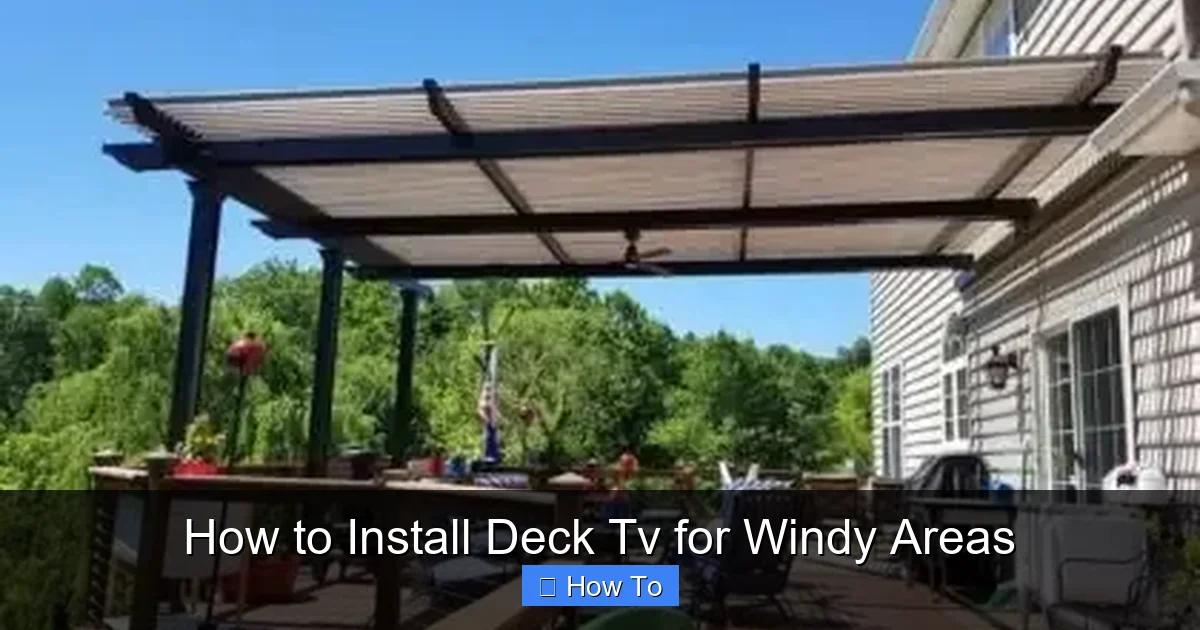
Visual guide about How to Install Deck Tv for Windy Areas
Image source: homeoomph.com
Wind might seem like a minor concern, but it can have a big impact on your outdoor TV setup. Even moderate winds can cause vibration, swaying, or stress on mounting hardware. Over time, this can lead to loose bolts, cracked brackets, or even a fallen TV—creating safety hazards and costly repairs.
In high-wind zones, such as coastal regions or mountainous areas, the risk increases significantly. Gusts of 40 mph or more are common in these locations, and they can turn a poorly installed TV into a dangerous projectile. That’s why it’s essential to treat wind as a primary factor in your installation plan.
Beyond physical damage, wind can also affect your viewing experience. A shaky screen makes it hard to enjoy your content, and constant movement can strain the TV’s internal components. Plus, wind-driven rain and debris can damage exposed electronics if they’re not properly protected.
The good news? With the right preparation and equipment, you can install a deck TV that stands strong against the elements. The key is to focus on stability, durability, and smart design from the start.
Step 1: Choose the Right TV for Outdoor Use
Not all TVs are created equal—especially when it comes to outdoor use. Standard indoor TVs aren’t built to handle temperature swings, humidity, or direct sunlight. For a deck installation in a windy area, you need a TV designed for outdoor environments.
Look for an Outdoor-Rated TV
Outdoor TVs are specifically engineered to withstand the elements. They feature weatherproof casings, anti-glare screens, and internal cooling or heating systems to manage temperature changes. Brands like SunBrite, Seura, and Samsung offer models rated for full exposure (also called “all-weather” or “outdoor direct sunlight” TVs).
These TVs are built with sealed components to prevent moisture ingress, and their screens are brighter to combat glare from the sun. Some even come with built-in heaters for cold climates, ensuring the display works smoothly in winter.
Consider a TV Enclosure (If Using an Indoor TV)
If you prefer to use an indoor TV—perhaps because of budget or size preferences—you’ll need a high-quality outdoor TV enclosure. These protective cases shield the TV from rain, dust, and UV rays while allowing sound and remote signals to pass through.
Look for enclosures made from marine-grade aluminum or polycarbonate with IP65 or higher ratings. Make sure the front glass is anti-reflective and the unit has proper ventilation to prevent overheating. Popular brands include Peerless-AV, VIVO, and Kanto.
Keep in mind: even with an enclosure, indoor TVs may not last as long as true outdoor models. They’re more prone to internal damage from humidity and temperature shifts over time.
Size and Placement Matter
Choose a TV size that fits your deck layout and viewing distance. A 55-inch TV is ideal for most decks, offering a great balance of screen real estate and space efficiency. Avoid going too large—bigger screens catch more wind and put more strain on the mount.
Also, consider where you’ll place the TV. Ideally, it should be mounted on a solid vertical surface like a wall or post, not a railing. This reduces sway and improves stability in windy conditions.
Step 2: Select a Heavy-Duty, Wind-Resistant Mount
The mount is the backbone of your deck TV installation—especially in windy areas. A flimsy or undersized mount can fail under pressure, putting your TV and safety at risk.
Choose a Full-Motion or Fixed Outdoor Mount
For windy locations, a fixed mount is often the best choice. It holds the TV flush against the wall or post, minimizing wind resistance and reducing the chance of sway. Full-motion mounts (which allow tilting and swiveling) are convenient but create more surface area for wind to catch, increasing stress on the hardware.
If you want adjustability, opt for a heavy-duty full-motion mount rated for outdoor use. Look for models with reinforced arms, dual-wall brackets, and high weight capacities—at least 20% more than your TV’s weight.
Check the Wind Load Rating
Some premium outdoor mounts include wind load ratings, which indicate how much wind force they can withstand. For example, a mount rated for 75 mph winds is suitable for most coastal areas. If you live in a hurricane-prone zone, aim for mounts rated at 100 mph or higher.
You can also consult local building codes or wind zone maps (available from NOAA or FEMA) to determine the average wind speeds in your area. This helps you choose a mount that meets or exceeds local requirements.
Material and Coating
Choose mounts made from corrosion-resistant materials like powder-coated steel or marine-grade aluminum. These resist rust and degradation from salt air, rain, and humidity. Avoid painted or untreated metals—they’ll deteriorate quickly outdoors.
Step 3: Prepare Your Deck for Installation
Before mounting anything, you need a solid, stable foundation. A wobbly or weak mounting point will fail in high winds, no matter how good your TV or mount is.
Identify a Strong Mounting Surface
The best options are:
– A reinforced deck post (4×4 or larger)
– A concrete or masonry wall
– A sturdy exterior wall of your home
Avoid mounting directly to deck railings, thin wood beams, or composite decking. These materials aren’t designed to handle the weight and stress of a TV, especially in wind.
Reinforce the Structure (If Needed)
If your deck post is thin or made of softwood, consider reinforcing it. You can add a steel backing plate or sister a second post alongside it for extra strength. For concrete walls, use anchor bolts rated for outdoor use.
Use a stud finder to locate solid framing behind walls. Mounting into studs or joists provides the most secure hold. If you’re attaching to a post, make sure it’s securely anchored to the deck frame and footings.
Check Local Building Codes
Some municipalities require permits for outdoor TV installations, especially if you’re drilling into structural elements. Check with your local building department to ensure compliance. This is especially important in high-wind or coastal zones.
Step 4: Install the Mount Securely
Now it’s time to attach the mount. This step is critical—take your time and double-check every connection.
Mark and Drill Pilot Holes
Use a level to mark the exact position of the mount on your chosen surface. Ensure it’s at a comfortable viewing height—typically eye level when seated. Drill pilot holes slightly smaller than your anchor bolts to ensure a tight fit.
Use Heavy-Duty Anchors
For wood posts or walls, use lag bolts with washers. For concrete, use wedge anchors or sleeve anchors. Always follow the manufacturer’s torque specifications—over-tightening can strip threads or crack materials.
Secure the Mount Bracket
Attach the wall plate of the mount to the surface using all provided bolts. Tighten them evenly and check for level. If using a full-motion mount, ensure the arms move smoothly without wobbling.
Add Extra Support (Optional)
For added peace of mind, consider installing diagonal braces or a support strut from the mount to the deck frame. This reduces lateral movement in strong winds.
Step 5: Mount the TV and Test Stability
With the mount in place, it’s time to attach the TV.
Attach the TV to the Mount
Most outdoor mounts use a quick-release system. Secure the TV to the mount arms according to the instructions. Use all provided screws and locking mechanisms.
Check for Level and Alignment
Use a level to ensure the TV is straight. Adjust the mount if needed. A crooked TV not only looks bad but can also create uneven stress in wind.
Test Wind Resistance
Before considering the job done, test your setup. On a breezy day, observe how the TV reacts to wind. Does it sway? Do you hear creaking or rattling? If so, reinforce the mount or adjust the positioning.
You can also simulate wind by using a leaf blower or fan at medium speed. Watch for any movement or vibration. If the TV stays steady, you’re in good shape.
Step 6: Route and Protect Cables
Exposed cables are vulnerable to wind, rain, and UV damage. Proper cable management is essential for safety and longevity.
Use Conduit for Protection
Run all power and signal cables (HDMI, coaxial, Ethernet) through a waterproof electrical conduit. PVC or metal conduit works well and can be painted to match your deck.
Secure Cables with Clips
Use outdoor-rated cable clips or zip ties to fasten wires along the deck post or wall. Avoid loose loops or dangling cables—they can whip in the wind and cause damage.
Seal Connections
Use waterproof cable glands or silicone sealant at entry points. For HDMI and other connectors, consider using weatherproof covers or inline couplers.
Ground the System
Ensure your TV and power source are properly grounded to prevent electrical hazards, especially in wet conditions.
Step 7: Weatherproof and Maintain Your Setup
Even the best installations need upkeep. Regular maintenance keeps your deck TV safe and functional year-round.
Inspect Monthly
Check bolts, seals, and cables for signs of wear. Tighten any loose connections. Look for rust, cracks, or discoloration.
Clean the Screen and Enclosure
Use a soft, damp cloth to wipe down the screen and housing. Avoid harsh chemicals that can damage anti-glare coatings.
Cover During Storms (Optional)
If a severe storm is forecast, consider using a weatherproof TV cover or temporarily removing the TV (if portable). This adds an extra layer of protection.
Seasonal Checks
Before winter and summer, do a thorough inspection. Cold weather can shrink materials, while heat can expand them—both affecting fit and stability.
Troubleshooting Common Issues
Even with careful installation, problems can arise. Here’s how to handle common issues:
TV Sways in Wind
This usually means the mount isn’t secure or the surface is weak. Re-tighten all bolts and consider adding reinforcement or switching to a fixed mount.
Cables Get Damaged
Exposed or poorly routed cables are prone to wear. Re-route them through conduit and secure with clips. Replace any frayed wires immediately.
Screen Fogs Up
Moisture inside the enclosure or TV indicates a seal failure. Check gaskets and vents. Use silica gel packs inside enclosures to absorb humidity.
Remote Signal Doesn’t Work
Wind and distance can interfere with IR signals. Use an RF remote or install an IR repeater system for better range and reliability.
Mount Rusts or Corrodes
This happens with low-quality materials. Replace rusted parts and upgrade to marine-grade hardware. Apply anti-corrosion spray annually.
Conclusion
Installing a deck TV in a windy area isn’t just about convenience—it’s about safety, durability, and smart planning. By choosing the right outdoor-rated TV, a heavy-duty mount, and a solid installation surface, you can enjoy your favorite shows outdoors without worrying about the weather.
Remember: wind is a force to be respected. Don’t cut corners on materials or installation. Reinforce your setup, protect your cables, and perform regular maintenance to keep everything in top shape.
With the steps in this guide, you’ll have a wind-resistant deck TV that stands up to gusts, rain, and sun—giving you years of reliable outdoor entertainment. So go ahead, fire up the grill, invite some friends over, and enjoy the game—no matter what the weather brings.

