
Transform your poolside football viewing experience with a clean, cable-free setup. This guide walks you through practical, weather-resistant methods to hide and protect cables for your outdoor TV, ensuring safety, aesthetics, and uninterrupted game-day fun.
Key Takeaways
- Prioritize safety: Always use outdoor-rated, weatherproof cables and enclosures to prevent electrical hazards near water.
- Plan your layout first: Map out your TV, power source, and streaming device locations before running any wires.
- Use cable management products: Raceway channels, conduit, and in-ground tubing keep cords organized and hidden.
- Anchor and conceal with landscaping: Hide cables under mulch, behind shrubs, or along deck edges for a natural look.
- Test everything before game day: Ensure all connections work and cables are secure to avoid last-minute issues.
- Consider wireless alternatives: Use Wi-Fi extenders or wireless HDMI kits to reduce cable clutter.
- Maintain regularly: Check cables and covers seasonally for wear, especially after storms or heavy use.
How to Hide Cables Poolside TV for Football Games Outside
Imagine this: It’s game day. The sun is shining, the grill is fired up, and your friends are gathered around your poolside TV, ready to cheer on your favorite team. But then someone trips over a tangled mess of cables snaking across the patio. Not exactly the MVP moment you were hoping for.
A clean, cable-free setup isn’t just about looks—it’s about safety, convenience, and creating a truly enjoyable outdoor entertainment space. Whether you’re hosting a Super Bowl party or just catching Sunday night football with family, hiding your TV cables poolside ensures a sleek, hazard-free environment.
In this guide, you’ll learn how to hide cables for your poolside TV during football games and other outdoor events. We’ll cover everything from planning your layout to choosing the right materials, installing cable management systems, and even exploring wireless options. By the end, you’ll have a professional-looking setup that keeps your cords secure, protected from the elements, and completely out of sight.
Let’s get started!
Why Cable Management Matters for Outdoor TVs
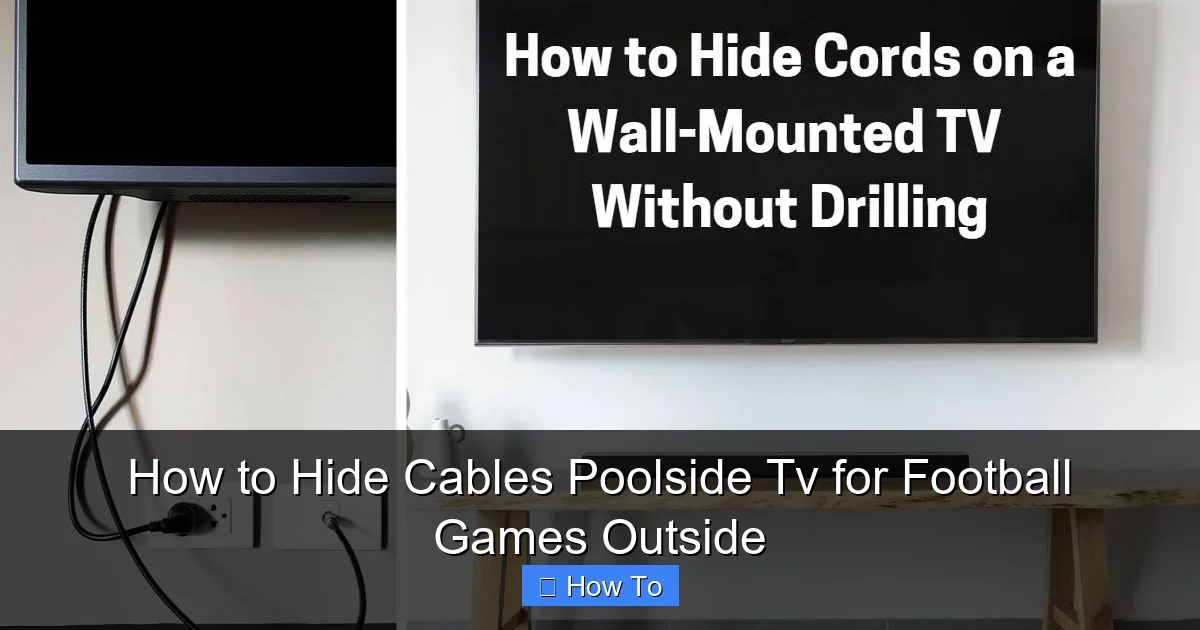
Visual guide about How to Hide Cables Poolside Tv for Football Games Outside
Image source: cdn1.homewaresinsider.com
Before diving into the how-to, it’s important to understand why proper cable management is essential for outdoor TV setups—especially near pools.
First, safety is paramount. Water and electricity don’t mix. Exposed cables near a pool increase the risk of tripping, electrical shock, or damage from splashing. Even if your TV is mounted safely away from the water, loose cords can create dangerous pathways across walkways or decking.
Second, weather resistance is a must. Outdoor cables are exposed to sun, rain, humidity, and temperature swings. Standard indoor cables can degrade quickly, leading to signal loss or fire hazards. Using outdoor-rated materials ensures longevity and reliability.
Third, aesthetics matter. A cluttered setup with visible wires takes away from the relaxing, resort-like vibe you’re trying to create. A clean, organized space enhances the overall experience and makes your outdoor area feel more inviting.
Finally, durability and maintenance are key. Outdoor environments are tough on electronics. Properly concealed and protected cables are less likely to get damaged by foot traffic, lawn equipment, or wildlife.
By investing a little time in cable management now, you’ll save yourself headaches—and potential hazards—down the road.
Step 1: Plan Your Layout and Identify Cable Needs
The first step in hiding your poolside TV cables is planning. A well-thought-out layout prevents mistakes, reduces material waste, and ensures a smoother installation.
Map Out Your TV and Equipment Locations
Start by deciding where your TV will be mounted. Common poolside locations include:
– A wall near the pool deck
– A pergola or covered patio
– A freestanding TV stand or cabinet
Once you’ve chosen the spot, identify where your other devices will go. These typically include:
– Streaming device (e.g., Roku, Apple TV, Fire Stick)
– Soundbar or outdoor speakers
– Power source (outlet or extension)
– Receiver or cable box (if applicable)
Draw a simple sketch or use a notes app to map out the distances between each component. This helps you estimate how much cable you’ll need.
List All Required Cables
Make a checklist of every cable you’ll be running. Common ones include:
– HDMI cable (from streaming device to TV)
– Power cable (for TV and devices)
– Ethernet cable (if using wired internet for better streaming)
– Audio cable (if connecting external speakers)
– USB cable (for powering streaming devices)
Pro tip: Use outdoor-rated cables for everything. Look for labels like “direct burial,” “weatherproof,” or “UV-resistant.” These are designed to withstand moisture, sunlight, and temperature changes.
Measure Distances Accurately
Use a tape measure to determine the exact length of cable needed between each point. Add 10–15% extra length to account for routing around corners or securing with clips.
For example, if your streaming device is 8 feet from the TV, get a 10-foot outdoor HDMI cable. This gives you flexibility during installation.
Check Power Source Accessibility
Ensure your TV and devices can reach a GFCI (Ground Fault Circuit Interrupter) outlet. These are required near pools and outdoor areas for safety. If your outlet is too far, consider hiring an electrician to install a new one—don’t rely on long extension cords as a permanent solution.
Step 2: Choose the Right Cable Management Solutions
Now that you’ve planned your layout, it’s time to pick the best tools to hide and protect your cables. The right products make all the difference in achieving a clean, professional look.
Outdoor Cable Raceway Channels
Cable raceways are plastic or metal channels that snap over wires, hiding them from view. They’re ideal for running cables along walls, fences, or deck railings.
Look for weatherproof raceways with UV protection. Many come with adhesive backing or mounting screws. Paintable options let you match the color to your wall or trim for a seamless look.
Example: Use a white raceway on a light-colored stucco wall, or paint a gray one to blend with concrete.
Flexible Conduit or Split Loom Tubing
For runs along the ground or under decking, flexible conduit is a great choice. It protects cables from crushing, moisture, and pests.
– **PVC conduit**: Affordable and easy to cut. Use for straight runs.
– **Corrugated split loom**: Flexible and great for tight bends. Ideal for wrapping individual cables.
Both can be buried slightly under mulch or soil for a hidden effect.
In-Ground Cable Troughs or Trenches
If you’re running cables from a house outlet to a distant TV location, consider digging a shallow trench (6–8 inches deep) and laying cables inside a protective trough.
Use direct burial-rated cables and seal the trough with a weatherproof lid. This method is more labor-intensive but offers the cleanest, most permanent solution.
Cable Clips and Adhesive Mounts
For quick, temporary fixes, use outdoor-rated cable clips or adhesive mounts. These hold cables securely to walls, fences, or deck boards.
Choose clips with UV-resistant adhesive and stainless steel screws for durability. Avoid cheap plastic clips that crack in the sun.
Weatherproof Enclosures
If your streaming device or power strip is exposed, protect it with a weatherproof outdoor enclosure. These sealed boxes keep electronics dry and safe.
Look for enclosures with built-in cable glands (sealed entry points) and ventilation to prevent overheating.
Step 3: Install Cable Management Systems
With your tools ready, it’s time to install. Follow these steps for a clean, secure setup.
Mount the TV and Devices First
Before running cables, mount your TV and place your streaming device, soundbar, or other gear. This ensures you know exactly where each cable needs to go.
Use a level to make sure the TV is straight. For wall mounts, anchor into studs or use heavy-duty toggle bolts for concrete or brick.
Run Cables Through Raceway or Conduit
Start at the power source and work toward the TV. Feed each cable through the raceway or conduit, leaving a little slack at each end for connections.
For raceways:
– Clean the surface with rubbing alcohol.
– Peel and stick the adhesive backing, or drill pilot holes for screws.
– Snap the cover over the cables.
For conduit:
– Cut to length with a hacksaw or PVC cutter.
– Use conduit connectors at corners or junctions.
– Secure with outdoor zip ties or mounting brackets.
Hide Cables Along Natural Pathways
Route cables along existing features to make them less noticeable:
– Run them behind deck railings or under benches.
– Tuck them into gaps between pavers or under mulch.
– Use landscape edging to conceal ground-level runs.
Avoid running cables across high-traffic areas like pool steps or main walkways.
Use Landscaping to Your Advantage
Strategic landscaping can hide cables naturally:
– Plant low shrubs or ground cover along cable paths.
– Use decorative rocks or mulch to cover shallow trenches.
– Train vines or climbing plants to grow over raceways on walls.
Just make sure plants don’t block ventilation or damage cables over time.
Secure Loose Ends and Connections
Once everything is connected, use cable ties or Velcro straps to bundle loose wires behind the TV or inside enclosures.
Label each cable with a tag or colored tape (e.g., red for power, blue for HDMI) to make future troubleshooting easier.
Step 4: Protect Cables from Weather and Wear
Outdoor cables face harsh conditions. Protecting them ensures long-term performance and safety.
Use Weatherproof Covers and Seals
Cover all outdoor outlets and enclosures with in-use covers (also called bubble covers). These allow plugs to stay connected while shielding them from rain.
Apply silicone sealant around cable entry points into enclosures or walls to prevent water intrusion.
Elevate Cables Off the Ground
Never let cables sit directly on wet concrete or soil. Use cable ramps, hooks, or clips to keep them elevated.
For pool areas, maintain at least 6 feet of clearance from the water’s edge, as recommended by electrical codes.
Inspect Regularly
Check your setup monthly for:
– Frayed or cracked cables
– Loose raceways or clips
– Water damage or corrosion
– Pest activity (rodents love chewing wires)
Replace damaged components immediately.
Step 5: Explore Wireless Alternatives
If running cables feels too complicated, consider wireless options to reduce clutter.
Wireless HDMI Kits
These devices transmit video and audio from your streaming box to the TV without wires. Most work within 30–50 feet and support 4K resolution.
Pros: No cables to hide. Cons: Can be affected by interference or walls.
Wi-Fi Extenders or Mesh Networks
Weak Wi-Fi is a common issue outdoors. A weatherproof Wi-Fi extender or mesh node boosts signal strength near your pool.
Place it between your router and TV area for reliable streaming.
Bluetooth Speakers
Skip audio cables entirely by pairing your TV with outdoor Bluetooth speakers. Many are waterproof and designed for poolside use.
Just keep in mind: Bluetooth has a limited range (about 30 feet), so stay within distance.
Troubleshooting Common Issues
Even with the best planning, problems can arise. Here’s how to fix common cable-related issues.
Signal Loss or Poor Picture Quality
– Check HDMI connections: Make sure cables are fully inserted.
– Replace long HDMI cables with active or fiber-optic versions.
– Avoid running HDMI near power cables (can cause interference).
Cables Getting Wet or Damaged
– Re-seal all entry points with silicone.
– Replace non-weatherproof cables with outdoor-rated ones.
– Elevate cables off damp surfaces.
Tripping Hazards Persist
– Re-route cables away from walkways.
– Use cable ramps for temporary setups.
– Add warning signs if cables must cross paths.
Overheating Devices
– Ensure enclosures have ventilation.
– Avoid covering devices with towels or decorations.
– Use devices with built-in cooling fans.
Maintenance Tips for Long-Term Success
Keep your poolside TV setup in top shape with regular maintenance.
– Clean raceways and enclosures with a damp cloth.
– Trim plants that grow over cables.
– Test all connections before big game days.
– Store portable devices (like streaming sticks) indoors during off-seasons.
Conclusion
Hiding cables for your poolside TV doesn’t have to be a daunting task. With the right planning, tools, and techniques, you can create a safe, stylish, and functional outdoor entertainment space perfect for football games and beyond.
By using outdoor-rated materials, strategic routing, and smart concealment methods, you’ll eliminate tripping hazards, protect your equipment, and enjoy a clean, resort-like atmosphere. Whether you go fully wired or embrace wireless alternatives, the key is consistency and attention to detail.
So next time the game is on, you can focus on the action—not the cables. Your guests will appreciate the effort, and you’ll enjoy peace of mind knowing your setup is secure, weatherproof, and ready for every touchdown.
Game on!

