
Hiding cables for your poolside TV doesn’t have to be complicated. This guide walks you through safe, effective methods to conceal wires under covered patios—keeping your setup clean, secure, and weather-resistant.
Key Takeaways
- Use weatherproof cable management: Always choose outdoor-rated products to protect against moisture, UV rays, and temperature changes.
- Plan your cable route first: Map out the path from your TV to the power source and signal devices before drilling or installing.
- Conceal cables along structural elements: Run wires along beams, under decking, or inside conduit to blend them into the patio design.
- Anchor cables securely: Prevent tripping hazards and damage by using clips, ties, or raceways to keep wires in place.
- Test connections before finalizing: Ensure all devices work properly after installation to avoid rework.
- Prioritize safety and code compliance: Keep cables away from water sources and follow local electrical codes.
- Maintain accessibility: Design your setup so you can easily access cables for future upgrades or repairs.
How to Hide Cables Poolside TV for Covered Patio
So you’ve got your dream setup—a sleek TV mounted poolside under your covered patio, ready for movie nights, game days, or just chilling with a view. But there’s one problem: a tangled mess of cables snaking across the floor, ruining the clean look and posing a tripping hazard. Don’t worry. You’re not alone, and the good news is, hiding those cables is easier than you think.
In this complete guide, we’ll walk you through step-by-step how to hide cables for your poolside TV under a covered patio. Whether you’re a DIY beginner or a seasoned home improver, you’ll find practical, weather-safe solutions that keep your outdoor space looking sharp and your electronics protected. We’ll cover planning, tools, materials, installation tips, and even troubleshooting common issues.
By the end, your patio will look professionally designed—no visible wires, no clutter, just smooth entertainment under the stars.
Why Hiding Cables Matters for Your Poolside TV
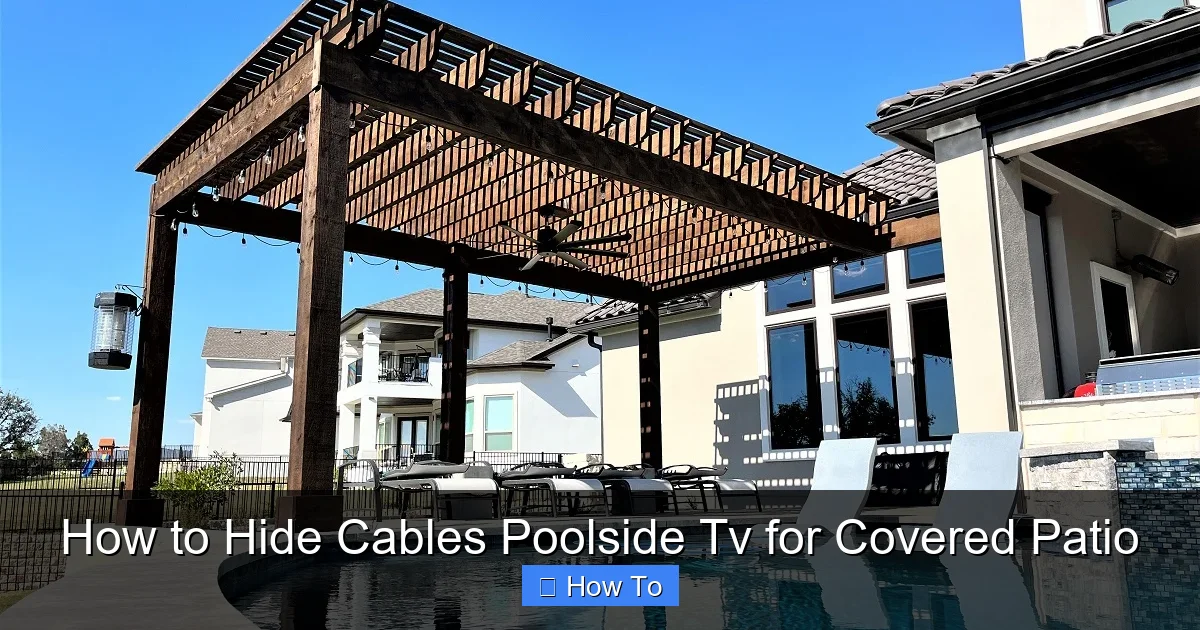
Visual guide about How to Hide Cables Poolside Tv for Covered Patio
Image source: archadeck.com
Before diving into the how-to, let’s talk about why cable management is so important—especially in a poolside environment.
First, safety. Loose cables near a pool area are a tripping risk, especially when kids, guests, or wet feet are involved. A single misstep could lead to injury or damage to your equipment.
Second, aesthetics. A clean, wire-free space enhances the relaxing vibe of your outdoor oasis. You want to enjoy the view, not a jumble of HDMI, power, and audio cables.
Third, protection. Outdoor environments expose cables to moisture, UV rays, heat, and pests. Without proper shielding, wires can degrade, corrode, or short out—leading to costly repairs or replacements.
Finally, longevity. Properly managed cables last longer and perform better. They’re less likely to get snagged, pulled, or accidentally disconnected.
So, hiding cables isn’t just about looks—it’s about safety, durability, and peace of mind.
Planning Your Cable Route
The first step to hiding cables is planning. Rushing into installation without a map can lead to mistakes, wasted materials, and frustration.
Step 1: Identify All Devices and Connections
Start by listing every device that needs to connect to your TV. This usually includes:
– Power cable (for the TV)
– HDMI cables (for streaming devices, gaming consoles, or cable boxes)
– Audio cables (if using external speakers or a soundbar)
– Ethernet cable (for wired internet, if needed)
– Antenna or satellite cables (if applicable)
Knowing what you’re working with helps you choose the right cables and management tools.
Step 2: Map the Shortest, Safest Path
Trace the route from your TV to each power outlet, signal source, and accessory. The goal is to find the shortest, most discreet path that avoids water, foot traffic, and heat sources.
Common routes include:
– Along the underside of the patio roof or beams
– Behind or under decking
– Inside wall cavities (if your patio has enclosed sides)
– Through conduit buried just below the surface (for ground-level runs)
Avoid running cables directly across walkways or near pool edges. If you must cross a path, use a protective ramp or bury the cable in a shallow trench with conduit.
Step 3: Check for Obstructions and Hazards
Look for potential problems along your planned route:
– Water runoff or pooling areas
– Direct sunlight exposure
– Pest entry points (like gaps in wood or concrete)
– Moving parts (like retractable awnings or sliding doors)
If your patio has a ceiling fan, lighting, or speakers, make sure your cables won’t interfere with their operation.
Step 4: Measure and Label Cables
Measure the distance from your TV to each connection point. Add a little extra length (about 6–12 inches) for flexibility and future adjustments.
Label each cable with a tag or tape so you know what it connects to. This saves time during installation and troubleshooting.
Choosing the Right Materials and Tools
Not all cable management products are created equal—especially for outdoor use. You need weather-resistant, durable solutions that can handle sun, rain, and temperature swings.
Weatherproof Cable Raceways
Raceways are plastic or metal channels that hide and protect cables along walls, ceilings, or floors. For outdoor use, choose UV-resistant, waterproof raceways made from PVC or aluminum.
Look for products rated for outdoor or “wet location” use. These often have sealed covers and gaskets to keep moisture out.
Popular options include:
– D-Line Outdoor Cable Raceway (flexible, paintable, easy to install)
– Legrand Outdoor Wire Mold (heavy-duty, great for high-traffic areas)
– Panduit Outdoor Raceway (industrial-grade, ideal for long runs)
Conduit for Ground or Buried Runs
If you’re running cables under decking or along the ground, use electrical conduit. This rigid or flexible tubing shields wires from moisture, crushing, and pests.
For shallow burial (under 6 inches), use PVC conduit rated for direct burial. For deeper runs or high-traffic zones, consider metal conduit.
Flexible conduit (like LFMC) is great for tight corners or uneven surfaces.
Cable Clips and Ties
Use outdoor-rated cable clips, zip ties, or adhesive mounts to secure wires to beams, posts, or walls.
Avoid standard plastic zip ties—they become brittle in sunlight. Instead, choose UV-resistant nylon ties or stainless steel clips.
For adhesive mounts, use ones rated for outdoor use with strong bonding (like 3M VHB tape).
Weatherproof Junction Boxes
If you need to splice or connect cables outdoors, use a waterproof junction box. These sealed enclosures protect connections from rain and dust.
Mount the box in a dry, accessible location—never directly over the pool or in a low spot where water collects.
Tools You’ll Need
Gather these tools before starting:
– Measuring tape
– Drill and drill bits (for mounting)
– Screwdrivers
– Wire strippers (if splicing)
– Level (to keep raceways straight)
– Utility knife or conduit cutter
– Fish tape (for pulling wires through walls or conduit)
– Marker or labels
Step-by-Step Installation Guide
Now that you’re prepared, let’s get to work. Follow these steps to hide your poolside TV cables safely and effectively.
Step 1: Mount the TV and Test Connections
Before hiding anything, mount your TV and connect all devices. Test the picture, sound, and internet to make sure everything works.
This prevents frustration later—if a cable fails after installation, you’ll know it wasn’t due to your hiding method.
Use a weatherproof TV mount rated for outdoor use. Make sure it’s securely anchored to a stud or beam.
Step 2: Run Cables Along the Ceiling or Beams
The easiest and most discreet route is often along the underside of your patio roof or support beams.
– Use cable clips or raceways to guide wires from the TV down the wall and along the beam.
– Keep cables close to the structure to avoid sagging.
– Use a level to ensure raceways are straight.
If your patio has exposed rafters, you can run cables inside the cavity between beams—just drill small access holes and use fish tape to pull wires through.
Step 3: Conceal Cables Under Decking
If your patio has a raised deck, you can run cables underneath.
– Lift a few deck boards near the TV and power source.
– Run cables through conduit under the deck, securing them to joists with clips.
– Replace the boards, leaving a small gap for future access.
For ground-level patios, bury conduit just below the surface (at least 6 inches deep) and cover with soil or gravel. Mark the location so you don’t accidentally dig it up later.
Step 4: Use Wall-Mounted Raceways
If your patio has enclosed walls or siding, install raceways vertically or horizontally.
– Clean the surface and let it dry.
– Apply adhesive or drill pilot holes for screws.
– Snap the raceway into place and feed cables through.
– Close the cover and secure with screws if needed.
Paint the raceway to match your wall color for a seamless look.
Step 5: Protect Connections with Junction Boxes
If you’re connecting multiple cables or extending a run, use a weatherproof junction box.
– Mount the box to a post or wall, away from water.
– Feed cables through sealed grommets.
– Make connections inside the box using wire nuts or splice kits.
– Close the box tightly.
Never leave connections exposed—even under a covered patio, moisture can accumulate.
Step 6: Secure Loose Ends and Test Again
Once all cables are routed, secure any loose ends with clips or ties. Double-check that nothing is pinched, stretched, or dangling.
Plug everything back in and test the system. Watch a movie, play music, or stream a show to confirm all devices work.
Creative and Discreet Hiding Ideas
Want to go beyond basic raceways? Here are some clever ways to blend cables into your patio design.
Use Outdoor Furniture or Decor
Place a weatherproof storage bench or planter box near the TV. Run cables through the back or bottom, hiding them from view.
Choose furniture with built-in cable management or drill small holes for wire access.
Integrate with Lighting
If your patio has string lights or landscape lighting, run TV cables alongside the light wires. Use the same raceway or conduit for a unified look.
Just make sure to keep high-voltage and low-voltage cables separated to avoid interference.
Camouflage with Plants
Train climbing plants like ivy or jasmine along beams or walls. Over time, they’ll grow over raceways, softening their appearance.
Use trellises or wire guides to direct growth and avoid blocking access.
Paint or Wrap Cables
For exposed sections, paint cables or raceways to match your patio’s color scheme. Use outdoor spray paint for durability.
Alternatively, wrap cables in fabric sleeves or spiral wrap for a textured, decorative look.
Safety Tips and Best Practices
Outdoor cable management comes with unique risks. Follow these guidelines to stay safe and compliant.
Avoid Water Exposure
Never run cables through standing water or directly over the pool. Keep all connections and boxes at least 3 feet away from the water’s edge.
Use GFCI (Ground Fault Circuit Interrupter) outlets for all outdoor power sources. These shut off power if they detect a fault, preventing shocks.
Follow Electrical Codes
Check local building codes before drilling or burying cables. Some areas require permits for outdoor electrical work.
If you’re unsure, consult a licensed electrician—especially for high-voltage runs or buried conduit.
Use the Right Cable Types
Not all cables are safe for outdoor use. Choose:
– Outdoor-rated HDMI cables (look for “CMR” or “CMX” ratings)
– Direct burial Ethernet cables (with waterproof shielding)
– Weatherproof power cords (never use indoor extension cords outside)
Avoid cheap, unrated cables—they can overheat or fail in harsh conditions.
Label and Document Your Setup
Take photos of your cable routes and connections. Label junction boxes and access points.
This makes future upgrades or repairs much easier—especially if you sell your home.
Troubleshooting Common Issues
Even with careful planning, problems can arise. Here’s how to fix the most common ones.
Signal Loss or Interference
If your picture flickers or audio cuts out, check for:
– Damaged or low-quality cables
– Long cable runs (HDMI signals weaken over 25 feet)
– Interference from power lines or motors
Solution: Use signal boosters, fiber-optic HDMI cables, or shorten the run.
Cables Sagging or Coming Loose
Over time, clips or adhesive mounts may fail—especially in heat or humidity.
Solution: Re-secure with stronger clips or screws. Add extra support every 12–18 inches.
Moisture in Raceways or Boxes
Condensation or rain may seep into enclosures.
Solution: Use silica gel packs inside boxes, or switch to better-sealed products. Check regularly for leaks.
Difficulty Accessing Cables
If you can’t reach a cable for repairs, you’ll regret not planning ahead.
Solution: Install removable panels, access hatches, or use pull strings in conduit for easy wire replacement.
Maintenance and Long-Term Care
Keep your cable system in top shape with regular maintenance.
– Inspect cables and raceways every 6 months for cracks, rust, or wear.
– Clean dust and debris from enclosures.
– Tighten loose clips or screws.
– Replace damaged cables immediately.
A little upkeep goes a long way in preventing failures and extending the life of your setup.
Conclusion
Hiding cables for your poolside TV under a covered patio is totally doable—and well worth the effort. With the right planning, materials, and techniques, you can create a clean, safe, and stylish outdoor entertainment space.
Start by mapping your cable route, choose weatherproof management solutions, and follow our step-by-step guide. Add creative touches like painted raceways or hidden conduits to blend wires into your design.
Remember: safety first. Keep cables away from water, use outdoor-rated products, and follow local codes. Test everything before finalizing, and maintain your system regularly.
Now, sit back, grab a drink, and enjoy your favorite show—without a single wire in sight.
Your poolside paradise is ready.

