
Hiding cables for your poolside TV in a coastal home doesn’t have to be complicated. This guide covers weather-resistant materials, smart routing techniques, and professional-grade concealment methods to keep your outdoor entertainment area clean, safe, and stylish—even in salty, humid conditions.
Key Takeaways
- Use marine-grade cables and conduits: Coastal environments demand corrosion-resistant materials like stainless steel, UV-resistant PVC, and saltwater-proof wiring to prevent degradation.
- Route cables underground or through walls: Burying cables in conduit or running them through exterior walls keeps them hidden and protected from sun, sand, and moisture.
- Install cable raceways or trunking: Surface-mounted raceways offer a clean, removable solution for exposed areas and are easy to maintain or upgrade.
- Seal all connections and entry points: Use silicone sealant and waterproof junction boxes to prevent salt air and rain from damaging electronics.
- Plan for maintenance and future upgrades: Leave slack in cables and label them clearly so you can service or replace components without a full reinstall.
- Choose the right TV mounting location: Position your TV to minimize cable runs and avoid direct exposure to salt spray or standing water.
- Hire a certified outdoor AV installer if needed: Complex setups may require professional help to meet electrical codes and ensure long-term reliability.
How to Hide Cables Poolside TV for Coastal Homes
Imagine lounging by your pool, the ocean breeze in the air, and your favorite show playing on a sleek outdoor TV—no messy cords in sight. For coastal homeowners, enjoying a seamless poolside entertainment experience is not just about aesthetics; it’s about safety, durability, and smart design. Salt air, high humidity, intense UV rays, and occasional storms make outdoor electronics especially vulnerable. That’s why hiding cables for your poolside TV isn’t just a cosmetic upgrade—it’s a necessity.
In this comprehensive guide, you’ll learn how to hide cables for your poolside TV in a way that’s both effective and built to last in coastal conditions. We’ll walk you through choosing the right materials, planning your cable route, installing concealment systems, and maintaining your setup over time. Whether you’re a DIY enthusiast or working with a professional, these steps will help you create a clean, safe, and weather-resistant outdoor entertainment zone.
Why Cable Management Matters in Coastal Environments
Coastal homes face unique challenges when it comes to outdoor electronics. Salt air is highly corrosive and can degrade standard cables, connectors, and mounting hardware within months. UV radiation from constant sun exposure can crack plastic housings and fade labels. Sand and wind can infiltrate loose connections, while humidity and occasional rain increase the risk of short circuits.
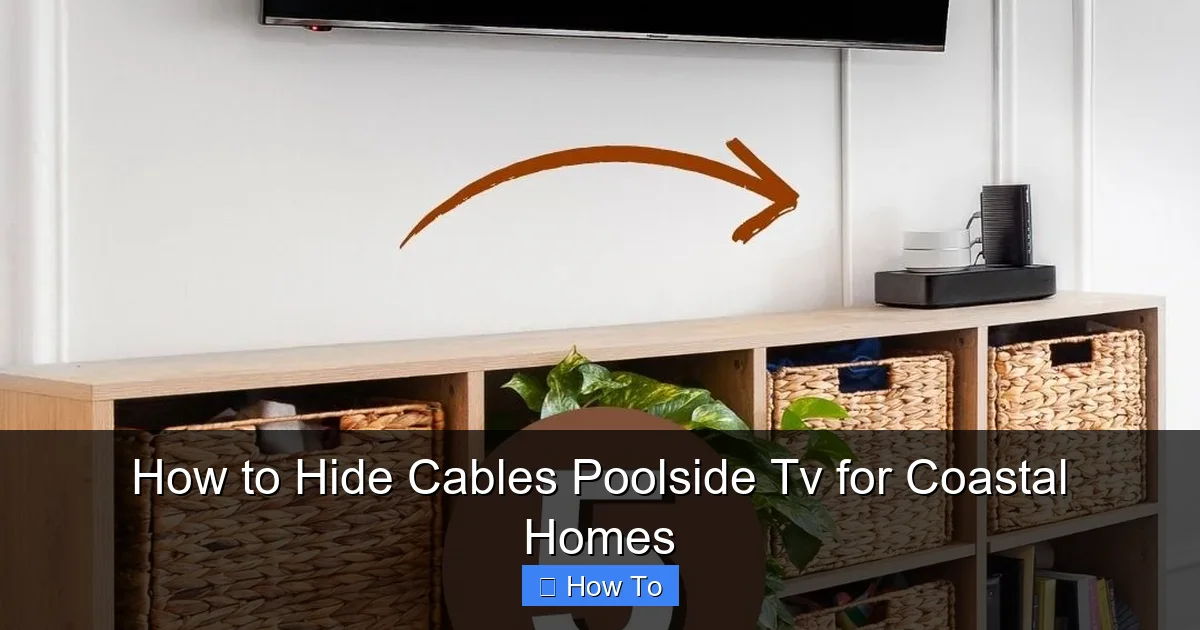
Visual guide about How to Hide Cables Poolside Tv for Coastal Homes
Image source: i.pinimg.com
Exposed cables also pose tripping hazards around the pool area and can detract from the relaxing ambiance you’re trying to create. More importantly, improper cable management can void warranties, increase fire risks, and lead to costly repairs or replacements. By investing time in proper cable concealment now, you’ll save money, reduce safety risks, and enjoy a more polished outdoor space.
Step 1: Choose the Right Materials for Coastal Conditions
Not all cables and conduits are created equal—especially when you live near the ocean. Standard indoor cables and plastic raceways won’t hold up long in salty, humid air. You need marine-grade or outdoor-rated components designed to resist corrosion, UV damage, and moisture.
Use Marine-Grade or Outdoor-Rated Cables
Look for cables labeled “outdoor,” “direct burial,” or “marine-grade.” These are typically made with UV-resistant jackets and moisture-blocking insulation. For HDMI and power cables, choose versions with gold-plated connectors and tinned copper wiring, which resist oxidation better than standard materials.
Select Corrosion-Resistant Conduits and Raceways
PVC conduit is a popular choice for underground runs because it’s lightweight, affordable, and resistant to salt and moisture. However, not all PVC is created equal. Use UV-stabilized PVC conduit rated for outdoor use. For surface-mounted solutions, opt for aluminum or stainless steel raceways with powder-coated finishes. Avoid untreated steel or cheap plastic trunking—they’ll rust or crack quickly.
Waterproof Junction Boxes and Connectors
Any point where cables connect—like between the TV and a power source or signal splitter—must be protected. Use IP65 or IP67-rated junction boxes with rubber gaskets and silicone sealant. These ratings mean the box is dust-tight and protected against water jets or temporary immersion—perfect for poolside use.
Step 2: Plan Your Cable Route
Before you start drilling or digging, map out the best path for your cables. A well-planned route minimizes exposure, reduces the risk of damage, and makes future maintenance easier.
Identify Power and Signal Sources
Determine where your TV will be mounted and where the power outlet and signal source (like a cable box or streaming device) are located. Ideally, these should be as close as possible to reduce cable length. If your media source is indoors, you’ll need to run cables through an exterior wall or underground.
Choose Between Underground, In-Wall, or Surface Routing
Each method has pros and cons, especially in coastal areas:
- Underground: Best for long runs from the house to the pool area. Requires trenching and conduit but offers maximum protection.
- In-wall: Ideal if your TV is mounted on an exterior wall. Clean and hidden, but may require professional installation and permits.
- Surface-mounted raceways: Easiest for DIYers. Use along baseboards, under decking, or along railings. Less隐蔽 but highly accessible.
Avoid High-Risk Areas
Keep cables away from pool drains, sprinkler heads, and areas prone to standing water. Also, avoid running cables directly on the ground where they can be stepped on or damaged by pool cleaning equipment.
Step 3: Install Underground Conduit (For Long Runs)
If your TV is far from the house or media source, underground conduit is the most reliable and hidden option. This method protects cables from weather, UV, and physical damage.
Dig a Trench 18–24 Inches Deep
Use a trenching shovel or rent a mini trencher for longer runs. The depth ensures cables are below the frost line (if applicable) and safe from surface disturbances. In coastal areas, avoid digging too deep if you’re near the water table—excess moisture can accumulate in the conduit.
Install UV-Resistant PVC Conduit
Run 1-inch or 1.5-inch Schedule 40 PVC conduit through the trench. Use conduit straps every 3–4 feet to secure it. At corners, use 90-degree sweeps instead of sharp elbows to make pulling cables easier later.
Pull Cables Through the Conduit
Use a fish tape or cable puller to guide cables through. Leave at least 12 inches of slack at both ends for future repairs. Label each cable at both ends with waterproof tags.
Seal Entry Points
When cables enter the house or junction box, seal the conduit with silicone caulk or a rubber grommet. This prevents moisture, insects, and rodents from entering.
Step 4: Run Cables Through Exterior Walls
If your TV is mounted on a wall adjacent to an indoor room, running cables through the wall is a clean and protected solution.
Drill a Hole Through the Wall
Use a hole saw to create an opening from inside the house to the exterior. Drill at a slight downward angle on the outside to prevent water from seeping in. Choose a spot behind the TV mount to keep the hole hidden.
Use a Wall Pass-Through Kit
Install a weatherproof wall pass-through kit with rubber seals and cable glands. These kits are designed for outdoor AV installations and keep moisture out while allowing multiple cables to pass through neatly.
Seal the Opening
Apply exterior-grade silicone caulk around the edges of the hole and the pass-through kit. This creates a watertight seal that resists salt air and rain.
Step 5: Use Surface-Mounted Raceways for Exposed Areas
For shorter runs or areas where underground or in-wall routing isn’t feasible, surface-mounted raceways offer a practical and attractive solution.
Choose the Right Raceways
Look for outdoor-rated cable raceways made from UV-resistant PVC, aluminum, or composite materials. Some models come with adhesive backing for easy installation, while others require screws. For a sleek look, choose raceways that match your deck or wall color.
Install Along Baseboards or Under Decking
Run raceways along the base of walls, under deck railings, or along the edge of pool coping. Use stainless steel screws and anchors to secure them. Avoid placing raceways in high-traffic areas where they can be tripped over.
Bundle and Secure Cables
Use Velcro straps or zip ties to keep cables neat inside the raceway. Don’t overfill—leave 30% of the space empty for airflow and future additions.
Step 6: Mount the TV and Connect Cables
Once your cables are routed and concealed, it’s time to mount the TV and make the final connections.
Choose a Weatherproof TV and Mount
Use an outdoor-rated TV designed for coastal environments. These TVs have sealed components, anti-glare screens, and corrosion-resistant housings. Pair it with a weatherproof tilt or full-motion mount made from stainless steel or aluminum.
Connect Cables Behind the TV
Plug in power, HDMI, and any other cables. Use cable management clips on the mount to keep wires tidy. If your TV has a built-in cable cover, use it to hide connections.
Test the System
Turn on the TV and check all inputs. Make sure there’s no signal loss or interference. If you notice flickering or no picture, double-check connections and cable integrity.
Step 7: Seal and Protect All Connections
Even the best cable routing can fail if connections aren’t properly sealed. Salt air and humidity love to sneak into tiny gaps.
Use Silicone Sealant on All Entry Points
Apply a bead of marine-grade silicone around cable entry points, junction boxes, and wall penetrations. This creates a flexible, waterproof barrier.
Install Weatherproof Covers
Use outdoor outlet covers with flip-up lids on power sources. For junction boxes, choose models with clear lids so you can inspect connections without opening them.
Label Everything
Use waterproof labels or tags to identify each cable. This makes troubleshooting and upgrades much easier down the road.
Step 8: Maintain Your Setup Over Time
Coastal conditions mean your cable management system needs regular care. A little maintenance goes a long way.
Inspect Every 3–6 Months
Check raceways, conduits, and seals for cracks, rust, or loose fittings. Look for signs of moisture inside junction boxes.
Clean Salt Buildup
Wipe down metal components with a damp cloth and mild detergent to remove salt residue. Rinse with fresh water and dry thoroughly.
Re-Seal as Needed
If you notice any gaps or peeling caulk, reapply silicone sealant immediately. Don’t wait—salt air works fast.
Troubleshooting Common Issues
Signal Loss or Flickering Picture
This is often caused by damaged or poorly connected HDMI cables. Check for corrosion on connectors and ensure cables aren’t bent or pinched. Replace with a higher-quality outdoor-rated HDMI cable if needed.
Power Outages or Tripped Breakers
Moisture in connections can cause short circuits. Turn off power, inspect junction boxes, and dry any wet components. Re-seal and test.
Cables Sticking Out or Looking Messy
If raceways are too small or cables are too tight, they can bulge or pop out. Use larger raceways or split cables into multiple runs. Add more support clips to keep everything flush.
Rust on Metal Components
Even stainless steel can rust in extreme coastal conditions. Replace rusted parts immediately and consider upgrading to marine-grade hardware.
When to Call a Professional
While many steps in this guide are DIY-friendly, some situations call for expert help. Hire a certified outdoor AV installer or electrician if:
- You need to run cables through load-bearing walls or concrete.
- Your setup requires new electrical circuits or outdoor outlets.
- You’re unsure about local building codes or permits.
- You’re installing a complex system with multiple TVs or audio zones.
Professionals have the tools, experience, and knowledge to ensure your installation is safe, code-compliant, and built to last.
Final Thoughts
Hiding cables for your poolside TV in a coastal home is more than a cosmetic upgrade—it’s a smart investment in safety, durability, and peace of mind. By using weather-resistant materials, planning your cable route carefully, and sealing all connections, you can enjoy a clean, professional-looking outdoor entertainment space that stands up to salt, sun, and storms.
Remember: the key to success is preparation. Take your time, choose the right products, and don’t skip the sealing step. With the right approach, your poolside TV will look sleek, function flawlessly, and last for years—even in the toughest coastal conditions.

