Hiding cables for your garden TV doesn’t have to be complicated. This guide walks you through simple, effective methods to organize and conceal wires, ensuring a safe, clutter-free outdoor entertainment space that looks great and lasts.
Key Takeaways
- Plan your layout first: Map out where your TV, speakers, and devices will go before running any cables to avoid messy rerouting.
- Use weatherproof cable covers: Protect wires from rain, sun, and foot traffic with UV-resistant, outdoor-rated raceways or conduits.
- Bury cables safely underground: For permanent setups, use direct-burial cables and conduit to run power and signal lines beneath decking or soil.
- Secure cables along deck rails or posts: Use clips, zip ties, or adhesive channels to keep wires tidy and out of sight along existing structures.
- Label all connections: Clearly mark cables at both ends to simplify troubleshooting and future upgrades.
- Prioritize safety and code compliance: Always follow local electrical codes and use GFCI outlets for outdoor power to prevent shocks and fires.
- Test before finalizing: Power up and check all devices before securing cables permanently to avoid rework.
How to Hide Cables for Garden TV for Deck Entertainment
So you’ve set up your garden TV on the deck—now you’re staring at a tangled mess of power cords, HDMI cables, and speaker wires snaking across your beautiful outdoor space. It’s not just an eyesore; it’s a tripping hazard and a risk to your equipment. The good news? Hiding cables for your garden TV is totally doable—even if you’re not a DIY expert. With the right tools, a bit of planning, and some clever techniques, you can create a clean, safe, and stylish outdoor entertainment zone that’s perfect for movie nights, game days, or just relaxing with a show under the stars.
In this guide, we’ll walk you through every step of hiding cables for your garden TV setup. Whether you’re working with a small balcony TV or a full-blown backyard theater, you’ll learn how to route, conceal, and protect your cables using affordable, weather-resistant solutions. We’ll cover everything from planning your layout to choosing the right materials, installing cable covers, and ensuring safety. By the end, your deck will look sleek, organized, and ready for any outdoor gathering.
Step 1: Plan Your Cable Layout
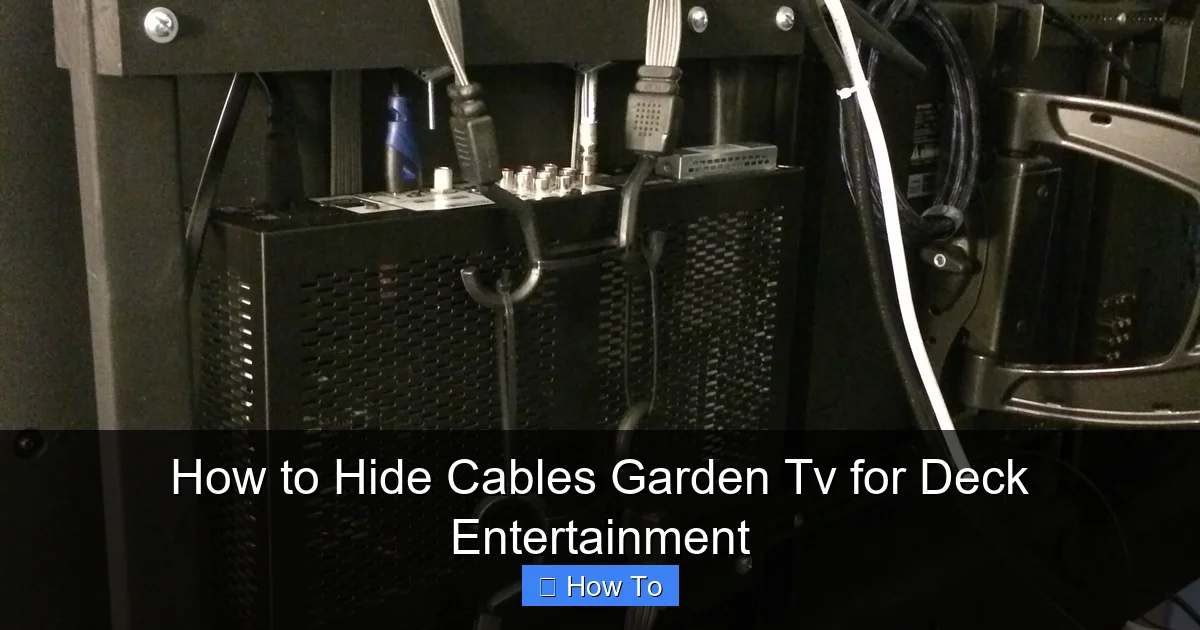
Visual guide about How to Hide Cables Garden Tv for Deck Entertainment
Image source: i.pinimg.com
Before you start drilling holes or buying supplies, take time to plan. A well-thought-out layout saves time, reduces frustration, and prevents costly mistakes.
Map Out Your Entertainment Zone
Start by deciding where your TV, speakers, streaming device (like a Roku or Apple TV), soundbar, and power sources will be located. Consider:
– Where will the TV be mounted? (Wall, post, or freestanding?)
– How far is it from the nearest power outlet?
– Will you use wireless speakers, or do you need to run speaker wires?
– Do you need to connect a gaming console, Blu-ray player, or cable box?
Draw a simple sketch of your deck, marking each device and the path cables will take. This visual helps you estimate how much cable you’ll need and where potential obstacles (like railings or steps) might interfere.
Measure Cable Distances
Use a tape measure to determine the distance from your TV to each device and to the power source. Add 10–15% extra length to account for slack and routing around corners. For example, if your TV is 8 feet from the outlet, get a 10-foot power cord.
Pro tip: Use a laser distance measurer for accuracy, especially on larger decks.
Identify Power and Signal Sources
Locate your nearest outdoor GFCI (Ground Fault Circuit Interrupter) outlet. This is crucial for safety—never use indoor outlets for outdoor setups. If you don’t have one, consider hiring an electrician to install one. Also, check if your internet router is close enough for a wired Ethernet connection to your streaming device, or if you’ll rely on Wi-Fi.
Step 2: Choose the Right Cable Management Tools
Not all cable covers are created equal—especially for outdoor use. You need products designed to withstand sun, rain, snow, and foot traffic.
Outdoor Cable Raceways
Cable raceways are plastic or metal channels that snap over wires, hiding them from view. Look for:
– UV-resistant materials (like PVC or ABS plastic)
– Weatherproof seals
– Adhesive backing or screw-mount options
– Channels wide enough for multiple cables
Popular brands include Legrand, D-Line, and BlueLounge. A 6-foot raceway can hide power, HDMI, and speaker wires in one clean strip.
Flexible Conduit
For more permanent or underground runs, use flexible conduit (like ENT or LFMC). It protects cables from moisture, pests, and physical damage. You’ll need conduit connectors and a fish tape to pull wires through.
Cable Clips and Zip Ties
For quick fixes, use outdoor-rated adhesive clips or stainless steel zip ties to secure cables along deck rails, under benches, or behind furniture. Avoid regular plastic ties—they crack in the sun.
Underground Cable Tray or Trenching
If you’re running cables from the house to the deck, consider burying them. Use direct-burial-rated cables (marked “UF” or “direct burial”) and install them in conduit at least 18 inches deep (per most electrical codes). A shallow trench with a shovel or edger tool makes this manageable.
Step 3: Run and Conceal Power Cables
Power cables are the most critical—and dangerous—to manage. Handle them with care and follow safety guidelines.
Use Outdoor-Rated Extension Cords (Temporarily)
If you’re testing your setup, use a heavy-duty outdoor extension cord rated for at least 13 amps. Look for “SJTW” or “SJTOW” on the label—these are weather-resistant. Never use indoor cords outside.
Install a Dedicated Outdoor Outlet (Permanently)
For a long-term solution, hire a licensed electrician to install a GFCI-protected outlet near your TV. This eliminates extension cords and reduces tripping hazards. The outlet should be covered with an in-use weatherproof cover (also called a “bubble cover”) to protect it when in use.
Route Power Cables Along Deck Structures
Use cable raceways or clips to run power cords along the underside of the deck, up support posts, or behind railings. If your deck has a lattice skirt, tuck cables behind it for a hidden look.
Example: Run the TV power cord up the wall mount post, then along the ceiling joist (if covered) to the outlet.
Bury Power Cables (Advanced)
For a truly hidden setup, bury the power cable in conduit. Here’s how:
1. Dig a trench 18–24 inches deep from the house outlet to the deck.
2. Lay PVC or flexible conduit in the trench.
3. Pull a direct-burial UF cable through the conduit using a fish tape.
4. Connect the cable to a subpanel or outdoor outlet on the deck.
5. Backfill the trench and tamp down the soil.
Note: Always check local building codes and call 811 before digging to locate underground utilities.
Step 4: Hide HDMI and Audio Cables
Signal cables like HDMI and speaker wires are less dangerous but still prone to damage and visual clutter.
Use In-Wall Rated HDMI Cables
If running HDMI through walls or conduit, use CL2 or CL3-rated cables designed for in-wall use. These are fire-resistant and safer for enclosed spaces.
Run Cables Through Deck Joists or Beams
If your deck has open joists, drill small holes (no larger than 1 inch) through the center of beams to route cables. Avoid drilling near edges or notches, which can weaken the structure.
Tip: Use a drill bit with a stop collar to prevent over-drilling.
Use Cable Channels Along Railings
Attach a slim raceway to the inside of your deck railing. Run HDMI, USB, and speaker wires through it. Paint the raceway to match your railing for a seamless look.
Hide Cables Under Outdoor Rugs or Furniture
For short runs across the deck surface, use a flat cable cover or tuck wires under a weather-resistant outdoor rug. Place furniture strategically to conceal wires leading to speakers or devices.
Step 5: Secure and Protect All Cables
Once your cables are in place, secure them to prevent sagging, snagging, or damage.
Use Outdoor Adhesive Clips
Apply UV-resistant adhesive clips every 12–18 inches to hold cables in place. Clean the surface with rubbing alcohol first for better adhesion.
Zip Tie with Care
Use stainless steel or nylon zip ties to bundle cables together. Don’t overtighten—leave a little slack to avoid pinching wires. Trim excess with wire cutters.
Protect Connection Points
Use silicone sealant or electrical tape to waterproof cable connections, especially where wires enter devices or raceways. For extra protection, use inline cable protectors or grommets.
Label Every Cable
Use waterproof labels or colored tape to mark each cable at both ends. For example: “HDMI – Apple TV,” “Power – Soundbar,” “Speaker – Left.” This makes troubleshooting a breeze.
Step 6: Test and Finalize Your Setup
Before you call it done, test everything.
Power On and Check Connections
Turn on your TV, streaming device, and speakers. Verify that all inputs work and audio/video is clear. If something’s not working, double-check connections and labels.
Secure Loose Ends
Tuck any excess cable into a weatherproof junction box or cable management box. These small enclosures keep connections dry and organized.
Do a Safety Walkthrough
Walk around your deck and look for:
– Tripping hazards
– Exposed wires
– Overloaded outlets
– Cables in high-traffic areas
Make adjustments as needed.
Troubleshooting Common Issues
Even with the best planning, problems can arise. Here’s how to fix the most common ones.
Cable Cover Won’t Stick
Outdoor adhesives can fail in heat or humidity. Solution: Clean the surface with alcohol, use a primer (like 3M Primer 94), or switch to screw-mounted raceways.
Signal Loss Over Long HDMI Runs
HDMI signals weaken over distances beyond 25 feet. Solution: Use an HDMI extender with Ethernet or a fiber optic HDMI cable for runs up to 100 feet.
Cables Get Damaged by Weather
Sun and rain degrade cheap cables. Solution: Replace with outdoor-rated, UV-resistant cables and covers. Inspect annually.
Power Keeps Tripping
This could be a GFCI issue or overloaded circuit. Solution: Plug devices into separate outlets or use a power conditioner. Reset the GFCI if it trips.
Animals Chew Through Cables
Squirrels and rodents love chewing wires. Solution: Use metal conduit or run cables through PVC pipe buried underground.
Safety Tips You Can’t Ignore
Outdoor electrical work comes with risks. Follow these safety rules:
– Always turn off power at the breaker before working on outlets or wiring.
– Use GFCI protection for all outdoor circuits.
– Never run power cords under rugs or through doorways—this can cause overheating.
– Keep cables away from water sources like pools or sprinklers.
– Hire a licensed electrician for any hardwiring or outlet installation.
Bonus: Stylish Cable Hiding Ideas
Want to go beyond function and add flair? Try these creative touches:
– Paint raceways to match your deck or house trim.
– Use decorative cable sleeves that look like vines or rope.
– Build a small outdoor media cabinet to house your streaming box and hide cables.
– Install LED strip lights under the deck to illuminate cable paths at night (safely).
Conclusion
Hiding cables for your garden TV doesn’t have to be a headache. With a solid plan, the right tools, and a focus on safety, you can transform your deck into a clean, inviting entertainment space. Whether you’re using simple clips, sleek raceways, or buried conduit, the key is to think ahead, work carefully, and protect your investment.
Remember: A well-managed cable setup not only looks better—it’s safer, lasts longer, and makes your outdoor TV experience more enjoyable. So grab your tools, follow this guide, and get ready to enjoy your favorite shows in style, without the clutter.
Your garden TV deserves to shine—and now, your cables don’t have to steal the spotlight.