
Keeping your outdoor TV clean ensures a crisp, bright picture during every football game. This guide walks you through safe, effective cleaning methods to protect your patio TV from dust, smudges, and weather damage—so you never miss a touchdown.
Key Takeaways
- Turn off and unplug the TV before cleaning: Always prioritize safety by disconnecting power to avoid electrical hazards or screen damage.
- Use only microfiber cloths and approved cleaners: Avoid paper towels, ammonia, or alcohol-based products that can scratch or degrade the screen coating.
- Clean in a shaded area: Direct sunlight can cause cleaning solutions to dry too quickly, leaving streaks or residue on the screen.
- Wipe gently in circular motions: Apply light pressure to prevent pressure marks or damage to the delicate display surface.
- Protect the TV from moisture and debris when not in use: Use a weatherproof cover or retractable enclosure to extend the life of your outdoor TV.
- Clean regularly—before and after game days: Frequent maintenance prevents buildup and keeps your screen looking sharp all season long.
- Check manufacturer guidelines: Always follow the TV maker’s specific cleaning recommendations to avoid voiding your warranty.
How to Clean TV for Patio for Football Games Outside
There’s nothing quite like gathering friends and family on the patio to cheer on your favorite football team under the open sky. But if your outdoor TV screen is smudged, dusty, or streaky, the game-day experience can quickly lose its sparkle. Whether you’re hosting a tailgate party or enjoying a quiet backyard watch party, a clean TV is essential for crisp visuals and an immersive viewing experience.
In this comprehensive guide, we’ll walk you through everything you need to know about how to clean TV for patio use—especially before big football games outside. You’ll learn the right tools, step-by-step cleaning techniques, safety precautions, and long-term maintenance tips to keep your outdoor TV in top condition. By the end, you’ll be ready to enjoy every pass, tackle, and touchdown with a crystal-clear picture.
Why Cleaning Your Outdoor TV Matters
Outdoor TVs face unique challenges that indoor models don’t. Dust, pollen, bird droppings, rain residue, and even food splatters from patio snacks can accumulate on the screen. Over time, this buildup not only dulls the image but can also damage the screen’s protective coating or internal components if moisture seeps in.
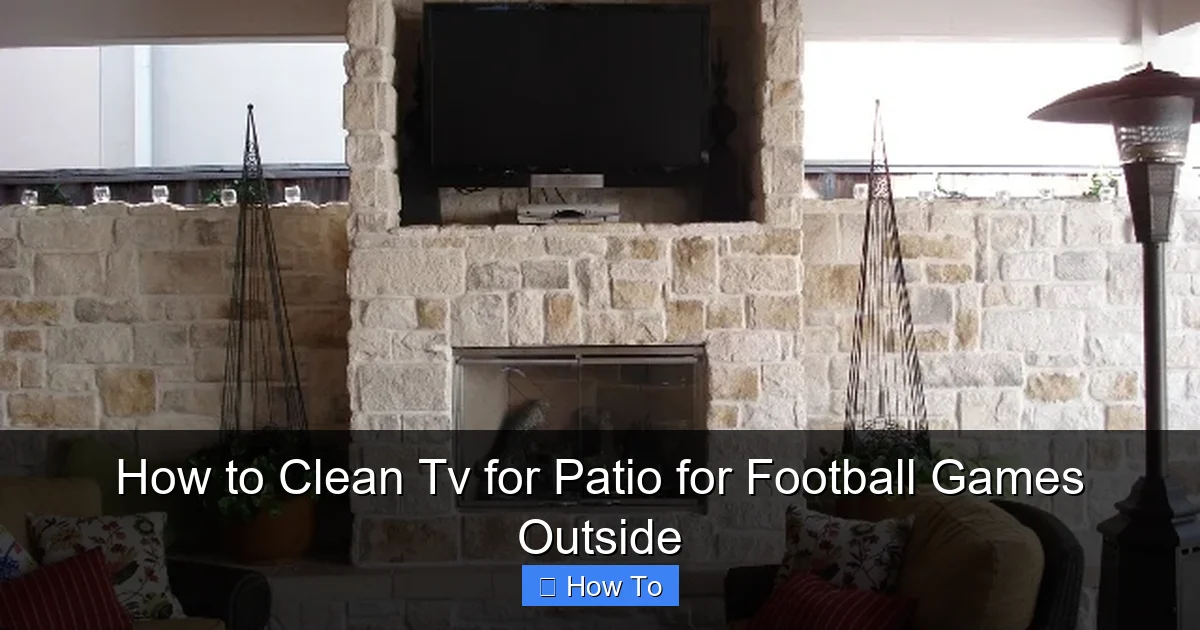
Visual guide about How to Clean Tv for Patio for Football Games Outside
Image source: outdoorhomescapes.com
During football season, when you’re likely using your patio TV more frequently, regular cleaning becomes even more important. A dirty screen can make it hard to see player numbers, track the ball, or enjoy vibrant colors—especially under varying light conditions. Plus, a well-maintained TV simply looks more inviting and professional for your guests.
Cleaning your outdoor TV isn’t just about aesthetics—it’s about performance, longevity, and safety. With the right approach, you can protect your investment and ensure every game day is a visual winner.
What You’ll Need to Clean Your Patio TV
Before you start, gather the right tools. Using improper cleaning supplies is one of the most common mistakes people make. Harsh chemicals or abrasive materials can scratch the screen or strip away anti-reflective coatings.
Here’s a simple checklist of what you’ll need:
- Microfiber cloths: These are soft, lint-free, and designed specifically for screens. Avoid paper towels, tissues, or rough fabrics.
- Distilled water: Tap water can leave mineral deposits. Distilled water ensures a streak-free finish.
- Isopropyl alcohol (optional): Only use if recommended by your TV manufacturer. Typically, a 50/50 mix with distilled water is safe for some screens—but check your manual first.
- Commercial screen cleaner (optional): Choose a product labeled “safe for LED/LCD/OLED screens” and free of ammonia, acetone, or bleach.
- Soft-bristle brush or compressed air: For gently removing loose dust from vents, bezels, and crevices.
- Spray bottle: To lightly mist your cleaning solution—never spray directly on the screen.
- Weatherproof cover (optional but recommended): To protect the TV when not in use.
Pro tip: Keep your cleaning kit in a dedicated storage box near your patio TV so it’s always ready when game day rolls around.
Step-by-Step Guide to Cleaning Your Outdoor TV
Step 1: Turn Off and Unplug the TV
Safety first! Always power down your TV and unplug it from the outlet before cleaning. This prevents electrical shock and gives the screen time to cool down. Hot screens are more prone to damage from cleaning solutions and can cause burns if touched.
If your TV is hardwired or connected to a weatherproof enclosure, make sure the power source is completely disconnected. If you’re unsure, consult your installation manual or a qualified technician.
Step 2: Choose the Right Time and Location
Avoid cleaning your TV in direct sunlight. Sunlight can cause cleaning solutions to evaporate too quickly, leaving behind streaks or spots. Instead, clean your TV in the early morning, late afternoon, or under a shaded area of your patio.
If possible, clean the TV before guests arrive for the game. This gives you time to let the screen dry completely and ensures no cleaning residue distracts from the action.
Step 3: Remove Loose Dust and Debris
Before applying any liquid, gently remove surface dust and dirt. Use a soft-bristle brush or a can of compressed air to blow away particles from the screen, bezel, and ventilation areas.
Be careful not to press too hard or use high-pressure air, which could damage internal components. Focus on the edges and corners where dust tends to accumulate.
Step 4: Prepare Your Cleaning Solution
For most modern TVs, a simple mixture of distilled water and a drop of mild dish soap works well. Alternatively, use a commercial screen cleaner approved for your TV type.
If you’re using isopropyl alcohol, mix it with distilled water in a 1:1 ratio. Never use undiluted alcohol, as it can damage screen coatings.
Pour the solution into a spray bottle—but remember: never spray directly onto the screen. Instead, lightly mist the microfiber cloth.
Step 5: Wipe the Screen Gently
Lay the damp microfiber cloth flat and wipe the screen using gentle, circular motions. Start from the top and work your way down, covering the entire surface.
Avoid pressing too hard. The goal is to lift dirt and smudges, not scrub them. If you encounter stubborn spots, apply a bit more solution to the cloth and let it sit for a few seconds before wiping.
For OLED or anti-glare screens, extra caution is needed. These coatings are more delicate and can be damaged by excessive moisture or pressure.
Step 6: Dry the Screen Thoroughly
Use a second, dry microfiber cloth to buff the screen until it’s completely dry and streak-free. This step is crucial—especially outdoors, where humidity can cause moisture to linger.
Make sure no liquid has seeped into the edges or ports. If you notice any dampness, allow the TV to air-dry in a shaded, well-ventilated area before plugging it back in.
Step 7: Clean the Bezel and Frame
Don’t forget the TV’s frame and bezel. These areas collect fingerprints, dust, and outdoor grime. Use the same cleaning solution and a separate microfiber cloth to wipe them down.
For textured or hard-to-reach areas, a soft toothbrush can help dislodge dirt without scratching the surface.
Step 8: Reconnect and Test
Once the TV is completely dry, plug it back in and turn it on. Check for any streaks, smudges, or performance issues. If everything looks good, you’re ready for game day!
Special Considerations for Outdoor TVs
Outdoor TVs are built to withstand weather, but they still need extra care. Unlike indoor models, they’re exposed to rain, humidity, UV rays, and temperature fluctuations. Here’s how to adapt your cleaning routine for outdoor conditions.
Dealing with Rain and Moisture
After a rainstorm, your TV may have water spots or mineral deposits. Never wipe the screen while it’s still wet—this can push dirt into the surface. Instead, let it dry naturally, then clean it using the method above.
If your TV isn’t fully weatherproof, avoid cleaning it immediately after heavy rain. Wait until the unit is dry and safe to handle.
Handling Bird Droppings and Pollen
Bird droppings and pollen can be acidic and damaging if left too long. Clean them as soon as possible. Soak a microfiber cloth in your cleaning solution and gently dab the affected area. Don’t rub aggressively—this can spread the residue or scratch the screen.
For stubborn spots, let the solution sit for 30 seconds before wiping.
Protecting Against UV Damage
Prolonged exposure to sunlight can fade colors and degrade screen materials over time. If your TV is in a sunny spot, consider using a UV-protective screen cover or installing it under a pergola or awning.
Regular cleaning also helps remove UV-blocking residues that can build up from environmental pollutants.
Maintaining Your Outdoor TV Between Cleanings
Cleaning your TV before every football game is ideal, but consistent maintenance can reduce how often you need to deep clean. Here are some tips to keep your screen looking great all season.
Use a Weatherproof Cover
When the TV isn’t in use, cover it with a breathable, weatherproof cover. This protects against dust, rain, and UV exposure. Look for covers designed specifically for outdoor TVs—they often include ventilation to prevent moisture buildup.
Install in a Sheltered Location
If possible, mount your TV under an eave, pergola, or outdoor cabinet. This reduces direct exposure to rain and sun, extending the life of both the screen and internal components.
Schedule Regular Cleanings
Even if the screen looks clean, dust and pollutants accumulate over time. Aim to clean your outdoor TV every 2–4 weeks during football season, or after major weather events.
Check for Vent Blockages
Outdoor TVs have ventilation systems to prevent overheating. Make sure vents aren’t blocked by leaves, dirt, or spider webs. Use compressed air to clear them monthly.
Troubleshooting Common Cleaning Issues
Even with the best care, problems can arise. Here’s how to handle common issues when cleaning your patio TV.
Streaks or Smears on the Screen
If your screen looks streaky after cleaning, you may have used too much liquid or the wrong cloth. Switch to a high-quality microfiber cloth and use less solution. Buff the screen thoroughly with a dry cloth to remove residue.
Water Spots or Mineral Deposits
These are often caused by tap water. Always use distilled water for cleaning. If spots persist, gently wipe the area with a cloth dampened with white vinegar (diluted 1:1 with distilled water), then rinse with a distilled water-dampened cloth and dry immediately.
Screen Looks Dull or Hazy
This could be due to a damaged anti-reflective coating or buildup of cleaning products. Avoid using household cleaners like Windex. Stick to manufacturer-recommended solutions. If the haze doesn’t go away, consult a professional—don’t attempt to polish the screen yourself.
Moisture Inside the Screen
If you see condensation or moisture between the glass layers, stop using the TV immediately and unplug it. This could indicate a seal failure, especially in humid or rainy conditions. Contact the manufacturer or a certified technician for repair.
Safety Tips for Cleaning Outdoor Electronics
Cleaning an outdoor TV involves more than just the screen—it’s about protecting yourself and your equipment. Follow these safety guidelines:
- Always unplug the TV before cleaning. Even if it’s turned off, residual power can be dangerous.
- Never stand on unstable surfaces. Use a sturdy step ladder if needed, and have someone spot you.
- Wear gloves if using cleaning solutions. Some people have sensitive skin that reacts to chemicals.
- Keep electrical cords away from water. Ensure your cleaning area is dry and free of puddles.
- Don’t use excessive force. TV screens are fragile—treat them like fine glass.
When to Call a Professional
While most cleaning tasks can be done at home, some situations require expert help. Contact a professional if:
- The screen is cracked or has visible damage.
- You suspect internal moisture or electrical issues.
- The TV isn’t performing properly after cleaning.
- You’re unsure about the TV’s weatherproof rating or cleaning requirements.
Professional technicians have the tools and expertise to safely clean and maintain outdoor electronics without risking further damage.
Conclusion
Cleaning your patio TV before football games outside doesn’t have to be a chore—it’s a simple step that makes a big difference in your viewing experience. By following the steps in this guide, you’ll keep your screen bright, clear, and free of distractions, so you can focus on the game.
Remember: safety first, use the right tools, and clean regularly. With a little care, your outdoor TV will deliver stunning visuals season after season. So grab your microfiber cloth, prep your cleaning kit, and get ready to host the ultimate football watch party—on a spotless screen.

